When designing for Voice, utility is paramount. Deloitte’s Jeremy Williams talks key principles & walks us through the process of designing a VUI.
Utility will determine the future of Voice
Just because you can build something, that doesn’t necessarily mean you should. So how should we approach designing for Voice in a way that lets us experiment with new ideas and concepts, but maximize our probability of success and minimize waste? The answer may not actually be that surprising.
First, a note on the importance of Voice. Voice assistants were one of the biggest trends of 2018, and if sales growth continues at the same rate year-over-year then smart speakers are set to be the fastest-growing connected device category worldwide in 2019. A third of U.S. consumers already use voice assistants weekly (on mobile, computer, or voice-assisted speaker). In other words, Voice is already a big deal — and we can expect it to become even bigger.
This is understandable when we think about some of the wider trends of interface design, such as accessibility playing an increasingly universal role. For example, Voice is a key channel for users with visual impairments or motor disabilities. The development of AI, machine learning, and natural language processing is also enabling Voice to become more intelligently applied to real-world scenarios. Although still relatively new, voice assistants are already making a big impact on the way we interact with technology
That’s all very well, but there’s also reason to challenge the rapid adoption of Voice. The opportunity is huge and there are countless potential use cases for it, yet let’s not forget that the majority of people who own a smartphone still don’t use the voice assistant (57 percent), and this figure increases for tablet (71 percent) and computer (81 percent). It’s likely that the popular adoption of voice-enabled technology in 2018 may have been significantly influenced by price promotions (especially, for example, around Black Friday). Many people don’t even know that their smartphones have voice recognition, and those that do use voice assistants currently prefer to use them to simplify everyday tasks such as making search queries, playing music, and making phone calls. It seems that Voice still has some way to go to meet its potential to create truly unique and valuable experiences.
This is where utility is critical
When designing for Voice, discovering and defining a useful, creative, and unique use case is the most important first step. This means following the same design process that we would use when designing for screen, underpinned by the same two general principles (in order):
- Design the right thing
- Design it the right way
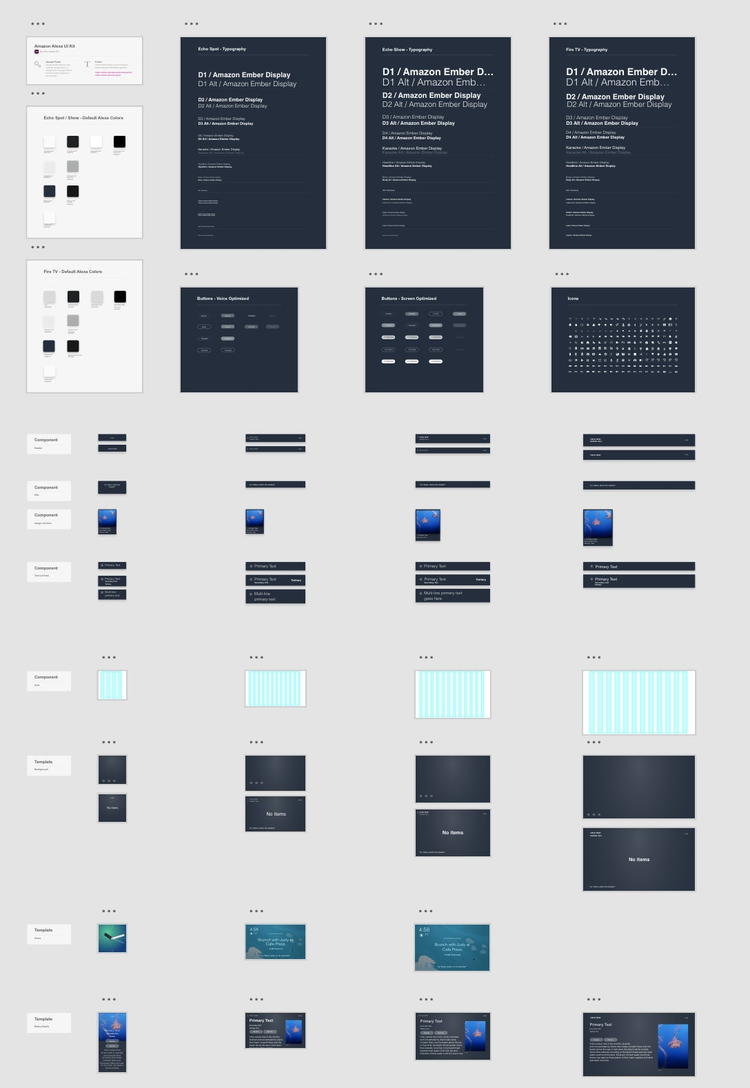
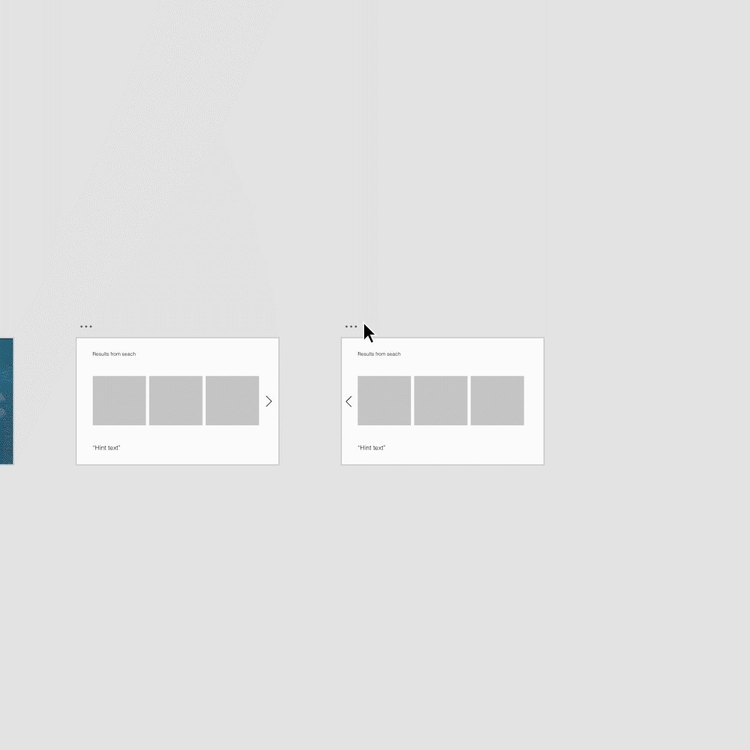
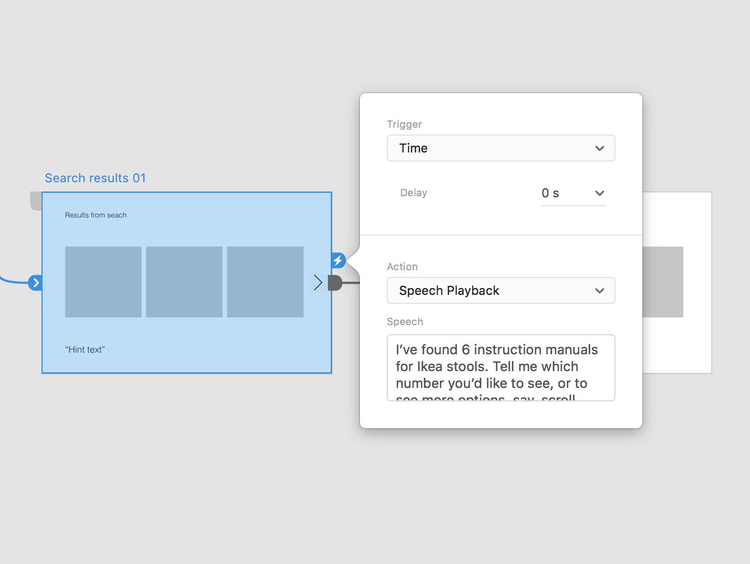
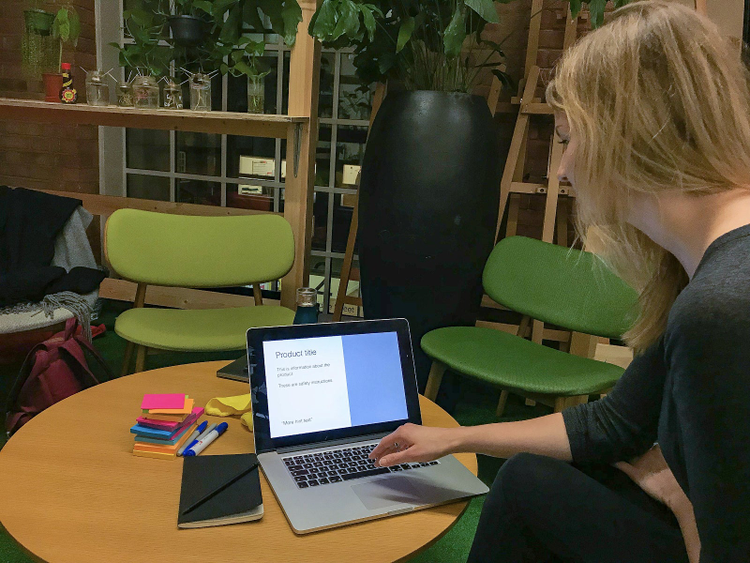
The difference with Voice is in the way these principles are tested. To demonstrate this, I’ve created a prototype for Voice using Adobe XD. The Voice feature was released for XD in October 2018, and it lets you create Voice interactions quickly and simply. This is important for testing concepts early with users, primarily to establish the viability of the concept, but also to understand how to craft the conversation. Getting to know voice triggers in XD is getting to know how to structure a prompt, how to keep instructions comprehensible, how to approach diction and tone, or how to keep consistency whilst catering to a wide range of possible user needs. It’s about finding out what makes users comfortable, what makes them uncomfortable, how their surroundings affect their responses, or determining whether your product is a suitable extension of the brand’s personality. It helps ensure that you’re designing for the way people talk, not just how you want them to talk.