Innovation unwrapped: Amy Casillas
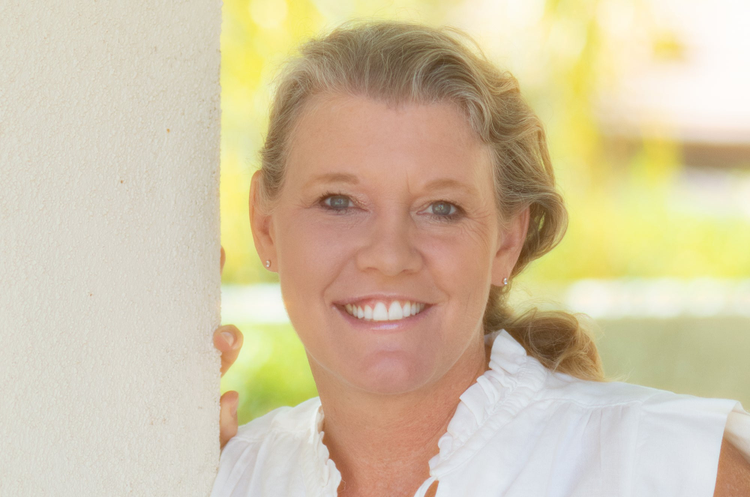
We chatted with Casillas about experience design, Adobe Scan, and more.
Amy Casillas is the lead experience designer on Adobe Scan. Most of her day is spent mapping out workflows and designing new features, researching competitive products, and working with product management and engineering to make sure designs are implemented in the best way for our users.
We caught up with Amy to learn more about her innovative role at Adobe.
Talk to us about your career. How did it lead you to your current role as an experience designer?
My career has bounced between the film and tech industries. I have a BS in Mass Communications and an MS in Computer Science, so it’s a weird mix of visual and technical. I started at Adobe as a hybrid Prototyper/UI Designer. I really enjoyed creating prototypes, so I moved to development, building the user experiences of our products that were based on Flash. As Flash end-of-life plans were announced, I wanted to continue with the UI/UX part of the job, so I switched to design full-time. It seemed to be the perfect combination of visual and technical.
Adobe Scan is one of our most popular mobile apps in the market. How did you collaborate with other teams like engineering and research on developing the app?
I’ve been with Adobe Scan since the beginning, when it was first added as a feature of the Acrobat Reader mobile app. The same PM and many of the engineers moved from that project to the team that built the app. We were a small team, which allowed us to work closely and quickly. We were able to utilize some of the research that had gone into the Scan feature, and also did our own user testing to test design concepts. There is a lot of collaboration in our weekly design/engineering/PM meetings where we discuss designs, and everyone is able to give feedback, as well as lots of discussions on real-time messaging platforms. I think it’s especially helpful that Adobe Scan is an app we all use in real life, so in this case we are often our own users.
Adobe Scan leverages Adobe Sensei for functions like recognizing the type of document. What were the challenges and opportunities of designing Scan with AI and machine learning in mind?
Our goal was to make the scanning process as streamlined as possible, while still giving the user the control they needed. One of our biggest competitors is actually the device camera, but Adobe Scan can do so much more than just capture an image, and utilizing Adobe Sensei is one of the ways we’re able to show that difference. Adobe Scan doesn’t just take a picture. It finds the document’s edges in the camera view, snaps the photo for you, crops to the content, and cleans it with Adobe Sensei. We can also tell when a document is a business card, or a form, and offer different options for those types of scans. We are constantly trying to take advantage of these types of capabilities, while still offering users that want control a way to adjust them.

What are some exciting, new frontiers that you are exploring from an experience design perspective?
The cool thing about experience design is it’s unlimited because there are always problems to be solved. Finding ways to creatively solve problems, as well as make our products better and easier to use for all types of people, is endless. I’m really interested in improving ways our Adobe Document Cloud products can be used in education, and how to make them more interesting for the younger generation of users.
Does your role as an experience designer relate to any personal creative interests?
One of my favorite parts of working in Design at Adobe is we get to create the experiences for products many of us actually use. I’m an avid photographer, so I’ve used Adobe Photoshop and Adobe Lightroom forever. And my daughter is starting to get into making her own videos, so I’ve been teaching her Adobe Spark and Adobe Premiere Rush. Using the various products for fun always gives me ideas about what works well or doesn’t, which hopefully helps with the products I work on.
You’ve been at Adobe for over 15 years (congratulations!). What are some insights on how you’ve built a successful, long-term career here?
I’ve been very fortunate to be here a long time, working on many different products and areas. I think the key for me is that I’ve worked on projects that were both interesting and challenging, and moved around just enough that things always felt fresh. I was a Flash developer when Flash was at its peak and transitioned to mobile design when it was really taking off. Trying to keep up with all the changes and trends keeps you on your toes and never gets boring. I’ve also been remote for the majority of my time here, which has had its own challenges.
Any advice for people who are interested in pursuing a career in experience design?
It’s funny because I didn’t start out focused on becoming an experience designer, but it turned out to be the perfect mix of what I enjoy. I think being a creative problem solver is essential. But it’s mostly about communication — talking to end users, understanding what works well for them and what is confusing or difficult, and then translating that into designs and conveying those to the developers who actually build it. There’s also the research and data analysis sides that are helpful to understand. Learning more about all these areas will certainly help in preparing for a career.
What three words best describe you?
Enthusiastic, conscientious, inventive.