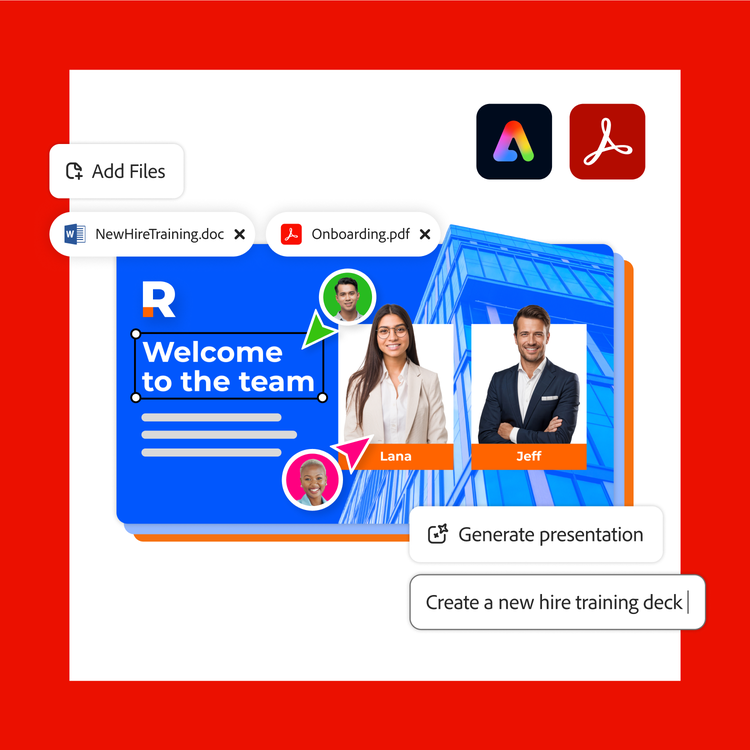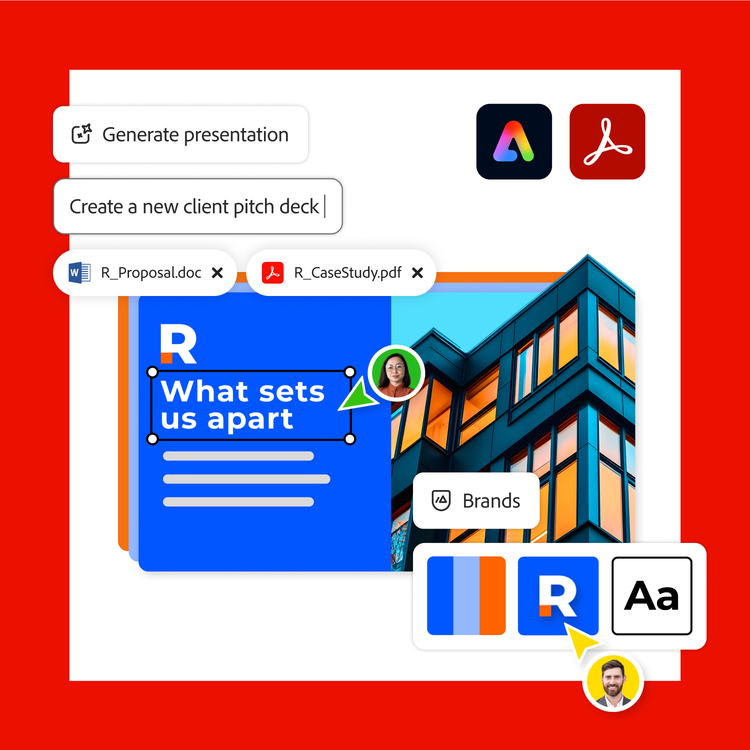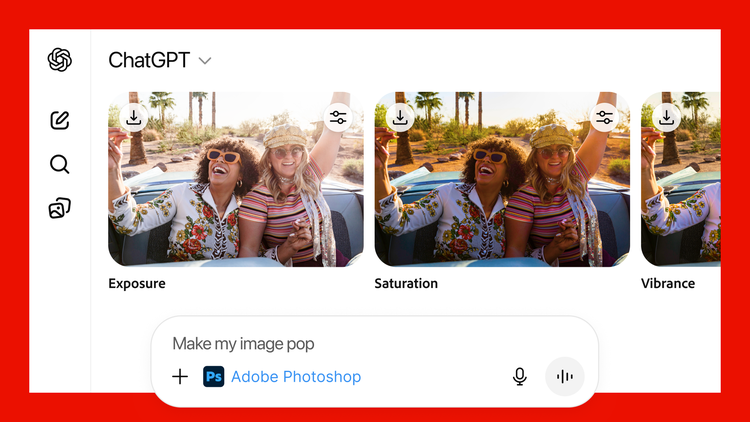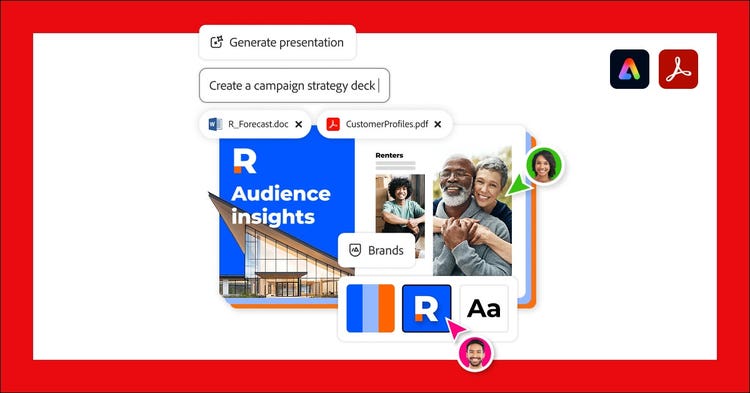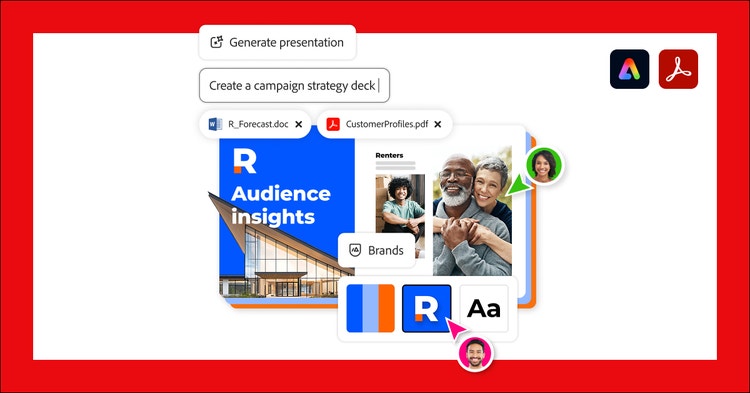
Many of us create professional presentations regularly and it often feels like an uphill battle. The average office worker spends 20 hours a month working on presentations, and a staggering 40 percent of that time is consumed by formatting issues alone, according to a recent study about the time an average officer works spends on presentation slides. Generate presentation, a new feature now available in Adobe Express, Acrobat Studio and Acrobat AI Assistant on desktop is designed to solve a familiar challenge: Staring at a blank slide and not knowing where to begin. Whether you’re a business professional or small business owner, this new feature helps spark ideas and quickly shape a quality draft presentation. Get started with just a prompt and add your source documents to get a professional looking presentation in minutes. When you want to refine your deck, it’s just as easy — make it on brand, generate new slides without starting from scratch, and invite your team to co-edit the slides all in one place. All of your work comes together for a quickly- created professional presentation.
Here’s how Generate presentation works:
- Start with your files: Start with a simple prompt in Generate presentation. You can include source documents to inform your presentation, including PDFs, DOCX, PPTX, TXT, XLS, and webpage content using just a link. Here are some prompts to get you started:
- "Create a sales pitch presentation for a new product launch, including key features, target audience, and pricing strategy."
- “Create an informational deck, about the market for meal-delivery services, aimed at potential investors and industry professionals including trends, growth projections, and competitive analysis.”
- “Generate an overview of fundraising ideas for a non-profit organization, for a board meeting.”
- “Create an onboarding presentation for all new employees including steps of orientation and training.”
- "Create a training presentation for managers on how to conduct effective performance reviews, including tips for goal setting and providing constructive feedback.”
- "Create a campaign strategy presentation for the executive team and partners. Include clear sections for objectives, audience segmentation insights, campaign ideas, and a detailed workback schedule. Focus on aligning stakeholders and persuading them on upcoming investments for the new year."
- Select a template: Choose a professionally designed template, which you can fully customize after generating your content.
- Review the outline: Go over the outline, which is intelligently generated based on your source files. Adjust the order of slides, audience, length and level of detail of your presentation. Generate presentation adapts your deck to your goals.
- Let Adobe Express bring your ideas to life: Watch as Adobe Express transforms your inputs into a professional-grade presentation in just minutes. With intelligently crafted copy and smart slide layouts with relevant, polished images and icons, Adobe Express does the heavy lifting so you can focus on delivering your message.
- Refine and personalize: Use Adobe Express’s intuitive editing tools to add your finishing touches. Add or re-generate slides without starting from scratch. Apply your brand kit for a consistent look and feel in no time. Include images or videos from Adobe Stock. Let AI rephrase, shorten or change the tone of your copy with one-click Rewrite. Add expressive, eye-catching video and animation, and more.
- Present, share or download: Instantly present directly or download as a PDF or PPT. Seamlessly share with others to inform, collaborate or co-edit in real time.