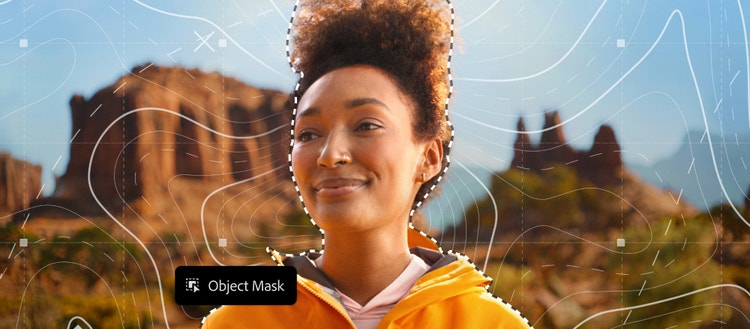
If you’re a creative professional, you move fast, chasing an idea from first spark to final pixel, and the smallest amount of friction can slow your creative output. Whether you’re compositing multiple elements into a single scene, refining lighting and image depth, or cleaning up details while iterating, there are often time-consuming steps that pull you out of your flow. That’s why today we are introducing innovations across Photoshop that are designed to reduce tedious tasks, elevate your work, and help you exercise more precision and control, so you can maintain your creative momentum and spend more time bringing your creative vision to life.
Let’s explore what’s new in Photoshop today
All-new Clarity, Dehaze and Grain adjustment layers for non-destructive editing
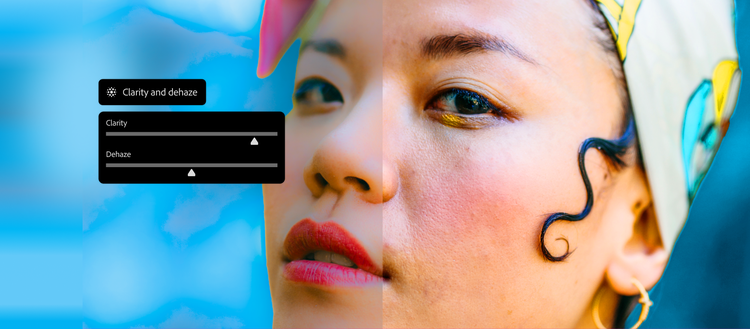
Two new adjustment layers, Clarity and Dehaze, and Grain, bring powerful non-destructive, maskable, layer-based adjustments directly into Photoshop. We've been getting feedback from the community about how adjustment layers have helped you work with more precision and control and today we’re excited to make these top requested adjustment layers generally available.
Add dimension to images with Grain, cut through atmospheric haze and balance lighting with Dehaze, and enhance subject structure and crispness with Clarity, all while masking and blending each adjustment seamlessly for total creative control over your final output.
Dynamic Text (beta)
New in beta, Dynamic Text makes it easy to transform any text layer into circular, arched, or bowed shapes in just a click. Simply select Dynamic Text and choose a shape, and Photoshop will automatically fit and resize your text, so you can create, move, and refine text along paths quickly — without tedious workarounds.
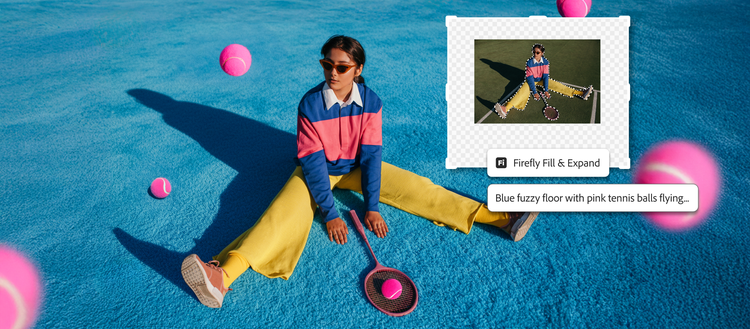
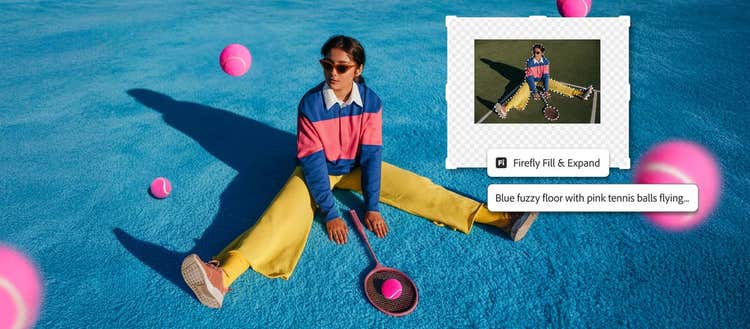
Firefly-powered Generative Fill, Generative Expand, and the Remove tool now deliver higher quality results with 2K resolution output, sharper detail, and fewer artifacts. Now generally available and powered by the latest Firefly Fill and Expand model and Remove Tool 3 model, these upgrades produce images that better match your prompts, reduce seams, and create more natural lighting and depth for more realistic, polished edits.
More creative control over objects created in Reference Image for Generative Fill
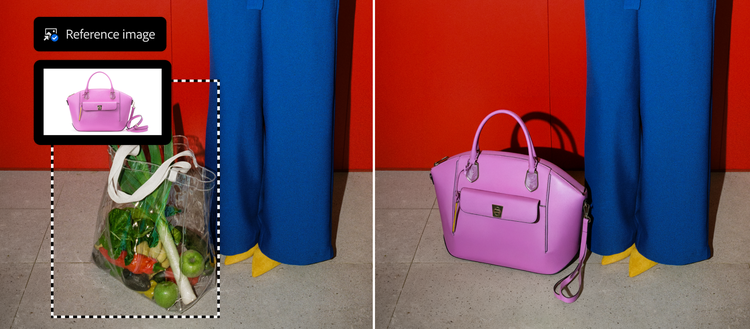
Reference Image for Generative Fill is getting a major upgrade, giving creative pros more control by preserving the identity of a reference object when generating and compositing. Now generally available, Reference Image with objects delivers geometry-aware results that better match the scene, reorienting to the correct scale, rotation, lighting, color and perspective.
AI innovation built for creative pros
We are seeing incredible engagement and adoption of AI-powered tools in Photoshop and are thrilled to bring creative professionals these latest innovations to help you explore your amazing ideas. With AI as an essential and increasing part of creative workflows, we'll continue delivering on that innovation with the power, precision, choice and control creatives expect.
Explore the latest innovations today
The latest upgrades are available in Photoshop desktop. The Firefly-powered updates to Generative Fill, Generative Expand, and the Remove tool will be available in Photoshop on the web.
Explore Photoshop’s latest innovations today.