Adobe for creativity: a new way to create with Adobe, now in Claude

A new way to create with Adobe, now in Claude
Adobe for creativity connector brings Adobe’s pro-grade tools directly into Claude.

Creative ideas and work can take shape across many places, and we want you to be able to create with the best of our tools directly in the surfaces where you work. Today, we’re excited to share the launch of the Adobe for creativity connector for Anthropic's Claude. The connector introduces a new way to bring your creative vision to life, right inside Claude. Install it, then describe what you want to achieve and the connector helps you get to the outcome - orchestrating multi-step workflows across Creative Cloud apps, drawing on pro-grade tools from Photoshop, Illustrator, Firefly, Express, Premiere, Lightroom, InDesign and Stock. You bring the creative direction; the Adobe for creativity connector handles the execution.

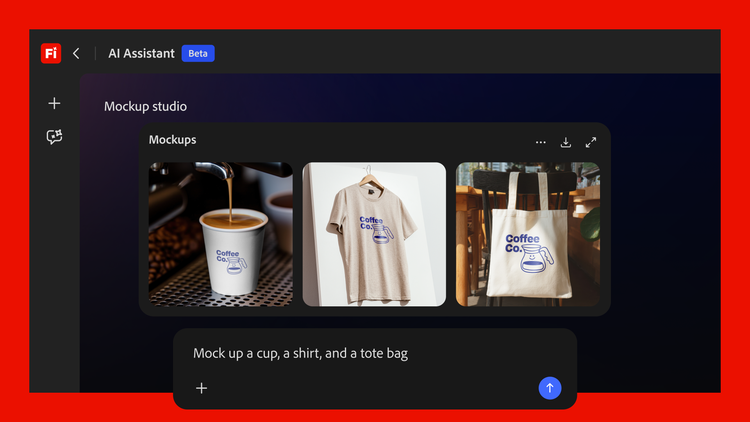
What sets the Adobe for creativity connector apart is access to 50+ pro-grade tools from our creative suite, working together intelligently to help you get to the best creative outcome. Describe what you want to achieve in your own words, and Adobe for creativity moves the work forward — from editing photos and vectors to designing assets and formatting video, right inside Claude.

Whether you’re a student working on a project, a content creator planning your next social post, or a small business owner building assets for your brand, Adobe for creativity is designed to help you move your work forward faster. Start with a simple prompt and tap into the power of our pro-grade tools to get to the outcome without needing to think through workflows or which tools to use in sequence.

What you can do with Adobe for creativity in Claude

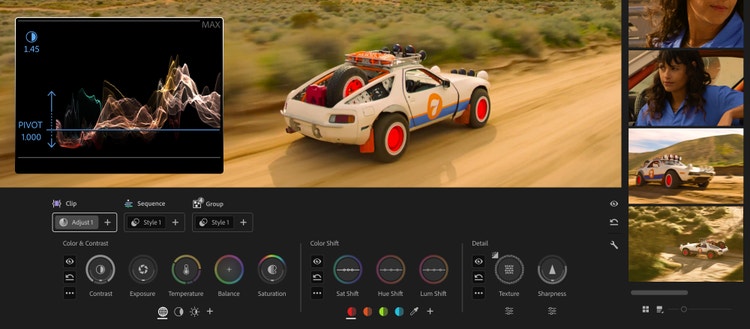
  • Retouch portrait images. Drop in headshots and describe the look you want — balanced lighting, background blur, auto-straighten, and a portrait crop. Adobe for creativity applies the best Adobe tools for the task intelligently and in the right order, and with your input along the way, so you get polished, production-ready images.
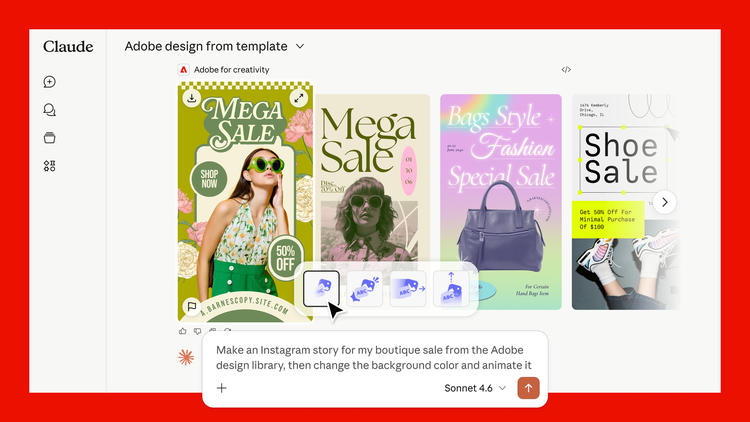
  • Design polished assets to share across your social channels. Describe your campaign and choose from Express design examples surfaced right in the chat. Update text and colors and then animate. With just a few short prompts, you get a finished, publish-ready asset.
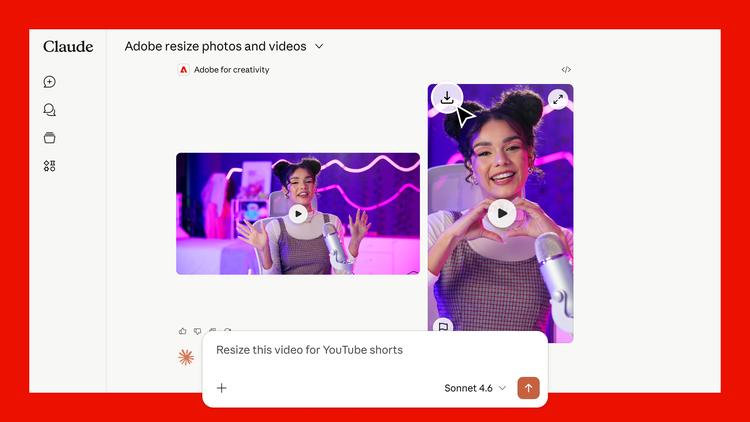
Adobe for creativity and Claude.
Describe the outcome you want and Adobe for creativity connector will orchestrate multi-step workflows across Adobe’s creative suite to get to that outcome.
  • Resize and repurpose videos for any social platform. Upload a horizontal clip and ask to reformat it for YouTube Shorts, Instagram Reels, or any platform. Adobe for creativity orchestrates the best tools to handle cropping and resizing to the right dimensions, delivering a video that’s ready to share.

How to get started with Adobe for creativity connector

Take your work further in Adobe’s apps

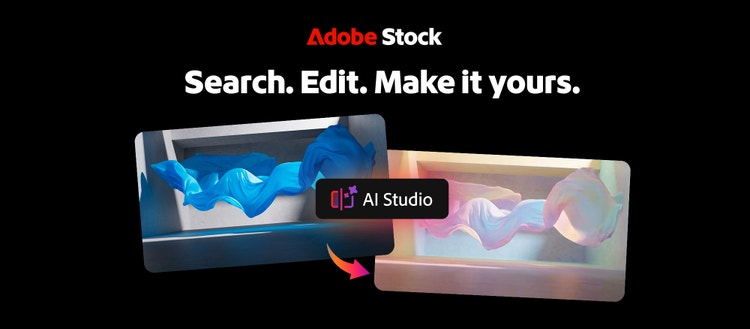
Adobe for creativity offers many powerful features to help you produce what you want — and when you're ready for the full power and precision of our apps, it's easy to continue your work there. Batch edit photos inside Claude, then send the assets to Firefly Boards to organize and refine in one place. Or pull a template from Express inside Claude then jump into the Express app to keep iterating with the full range of what Express has to offer, including generative features and additional editing capabilities. And if you prefer, you can always download your assets and pick up where you left off in any of your favorite Adobe apps. The work is yours to take wherever you need it.

Adobe for creativity gives you a taste of what's possible when you have access to our pro-grade tools inside a third-party AI model like Claude. If you want to go even deeper, check out the public beta of Firefly AI Assistant, which we launched yesterday. Firefly AI Assistant provides the full experience of our creative agent — bringing together the complete range of pro-grade tools, generative AI capabilities like Generative Fill and Replace Background, connection to Adobe's creative apps, and visibility into how your assets evolve at every step, all in a single, unified conversational interface.

Get started with Adobe for creativity connector today

Adobe for creativity connector is available globally for Claude starting today. You'll need a Claude account to get started and signing in with your Adobe account unlocks higher usage limits, access to more tools, and the ability to save your work across sessions.