The latest batch of releases from Substance 3D focuses on a clear goal: helping you move faster from idea to final result with fewer technical barriers along the way. Whether you’re building procedural materials, digitizing real-world surfaces, or moving assets between tools, these updates are designed to streamline your workflow and give you more control where it matters most.
From expanded procedural capabilities in Substance 3D Designer, to faster and more predictable material creation in Substance 3D Sampler, and a new one-click workflow between ZBrush and Substance 3D Painter, these updates reflect a broader shift toward more connected, artist-focused pipelines.
Substance 3D Designer 16: expanding procedural control
The recently released Substance 3D Designer version 16 now makes shape creation more flexible, iteration faster, and results easier to refine.
What’s New in Substance 3D Designer 16.
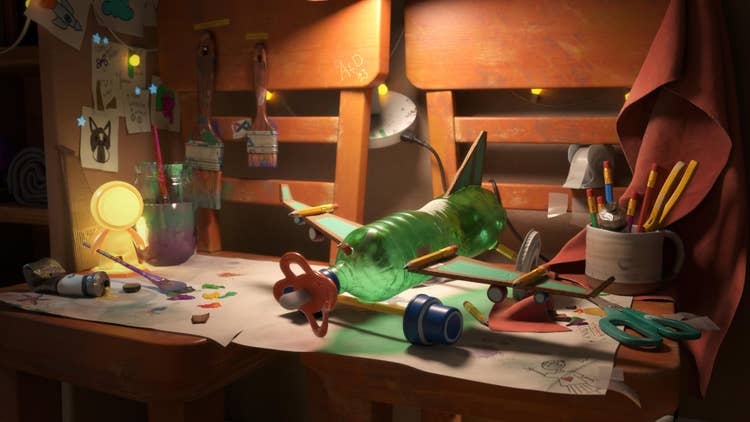
A key highlight is the new Shape Splatter v2 node, a major evolution of one of Designer’s most powerful nodes, allowing you to scatter raytraced 3D shapes with far greater precision. You can now control shape, orientation, and scale per instance, introduce more natural variation, and use atlas inputs to distribute a wider range of shapes from a single source.
The result is a more direct way to build complex, detailed surfaces without relying on workarounds, freeing you up to concentrate on refining the precision of your material.
This new version of Designer also expands its Signed Distance Field (SDF) toolkit, introducing a range of new nodes for creating and manipulating 3D shape data. This lets you build, combine, and iterate on forms directly inside your node graph, opening up new approaches to procedural modeling, all within Designer.
Additional workflow enablers, such as direct control over height and tessellation in the 3D view, further streamline everyday tasks, helping you iterate more quickly with fewer interruptions.
OpenPBR support in Substance 3D
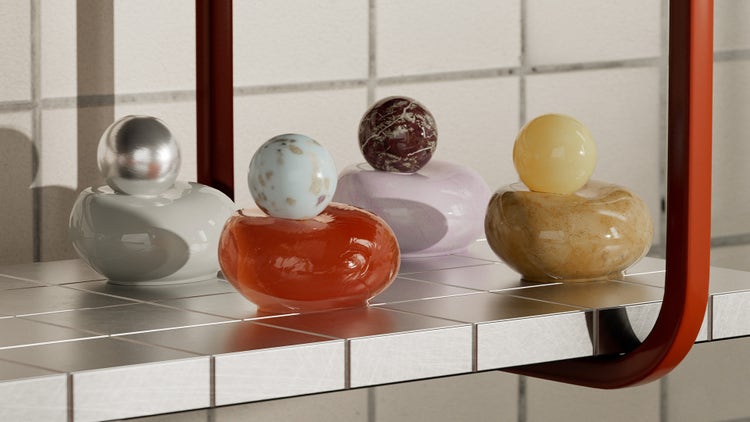
Support for OpenPBR materials has arrived in Substance 3D. OpenPBR in Designer 16 helps ensure your materials behave consistently across tools and renderers. Updated material models, templates, and shaders make it easier to create assets that integrate smoothly into modern pipelines.
OpenPBR is also integrated in Substance 3D Painter 12.1.0 Beta, giving early adopters the possibility to bring these materials into the texturing stage of their workflow.
The Substance 3D team believes in the potential of OpenPBR for 3D workflows; to help accelerate its adoption across the ecosystem we’ve recently released a high-quality, easy-to-use, production-proven implementation as open source on GitHub. You can find that right here.
Substance 3D Sampler 6: Faster, more intuitive material creation
Substance 3D Sampler 6 focuses on accelerating material creation and digitization, while making results more predictable across your pipeline. Here too, OpenPBR has arrived; Sampler now aligns with this unified material model used across the Substance 3D ecosystem and beyond. Create materials once and use them more confidently across tools, reducing guesswork and improving consistency from look development to final render.
New material templates — including fuzz, coatings, and subsurface effects — make it easier to build complex, physically accurate materials in less time. Start from a ready-made foundation, then refine as needed to match your creative intent, without the overhead of building everything from scratch.
Material capture workflows have also been streamlined, particularly with improved HP Z Captis integration. Automatic region-of-interest detection, smarter handling of focus and lighting, and a quicker, more efficient capture process help deliver sharper, more consistent results with less manual adjustment.
Taken together, these updates reduce setup time and simplify technical steps, so you can stay focused on shaping high-quality, production-ready materials.
A more seamless sculpt-to-texture workflow with ZBrush and Painter
In March this year Substance 3D Painter 12 and the 12.1 Beta introduced major workflow, baking, and OpenPBR updates — including Warp to Geometry for cleaner decal projection, layer stack optimization, automatic UV unwrapping for hard-surface meshes, and smarter baking tools like skew map painting and auto-rebake workflows. Find out more in our article from March.
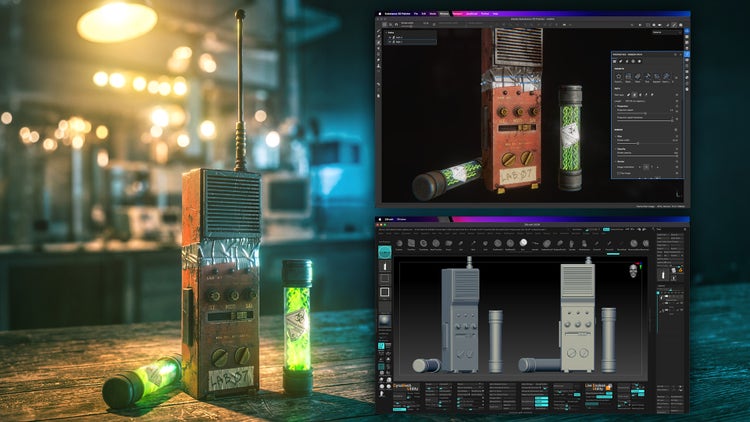
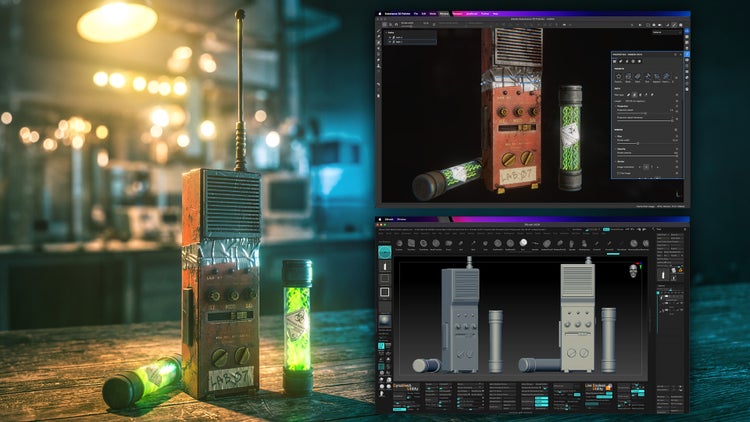
And the progress continues, with the introduction of a more connected workflow between industry-standard applications. With ZBrush 2026.2.0 and Substance 3D Painter 12.0.2, you can now move from sculpting to texturing in a single step. The new “Send to” workflow transfers meshes directly from ZBrush into Painter with one click, removing the need for manual exporting and file handling.
Move straight into texturing as soon as your sculpt is ready, without breaking your flow. Faster transitions between tools make it easier to iterate, refine, and bring your assets to life.
ZBrush and Painter are already widely used across games, VFX, animation, and product design. Bringing them closer together strengthens a workflow many artists rely on — combining detailed sculpting with high-quality, physically accurate texturing in a more seamless pipeline.
A more connected, creator-focused ecosystem
Across Designer, Sampler, and Painter, we’re focused on delivering faster workflows moving between apps thanks to OpenPBR, more powerful and flexible creation tools, and more connected workflows across applications — whether you’re building procedural materials, capturing the real world, or moving from sculpt to final textured asset in your favorite 3D tools.