Behind every campaign, video, illustration or design project are countless production tasks: organizing assets, preparing files, adapting creative for new formats, updating versions, managing feedback and getting work ready for delivery. It's important work, but it’s not why most of you became creative professionals.
Today, Adobe is bringing its creative agent to industry-leading Creative Cloud applications, starting with Premiere, Photoshop, Illustrator, InDesign and Frame.io, alongside new workflow innovations in Firefly. The creative agent powers AI Assistant in each application, helping orchestrate multi-step workflows behind the scenes so you can stay focused on your craft. As a creative, you remain in control, choosing what to hand off, what to refine and how to apply your taste, expertise and judgment to shape every editable outcome. These tools are built for how you’ve told us you actually work. Adobe’s creative agent helps reduce the friction between ideas and execution, streamlining complex workflows across applications so you can spend more time creating, while staying in control of every outcome.
The result is more time for the work that matters most: refining ideas, shaping stories and applying the creative judgment, taste and craft that make great work stand out.
Let's take a look at what's new.
Less repetitive clicking. More creative craft.
Across Creative Cloud, the AI Assistant works to reduce repetitive, time-consuming work that can slow creative teams down. The AI Assistant catches what's hard to catch manually: brand drift, production errors and feedback that falls through the cracks.
For example:
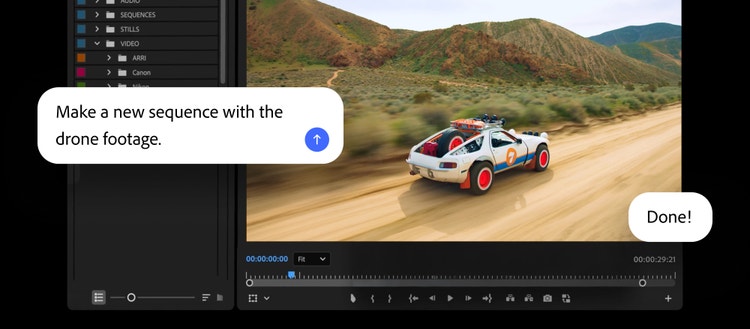
- Video editors in Premiere can import source media and have AI Assistant take care of the setup, including sorting assets into bins, batch renaming clips, identifying interview questions or even assembling a working starting point. If you can do it in the Project panel or Timeline, AI Assistant can help.
- Designers in Photoshop can describe a desired outcome, such as batch background removal, asset resizing, or layer organization, and the AI Assistant executes the work across the entire composition.
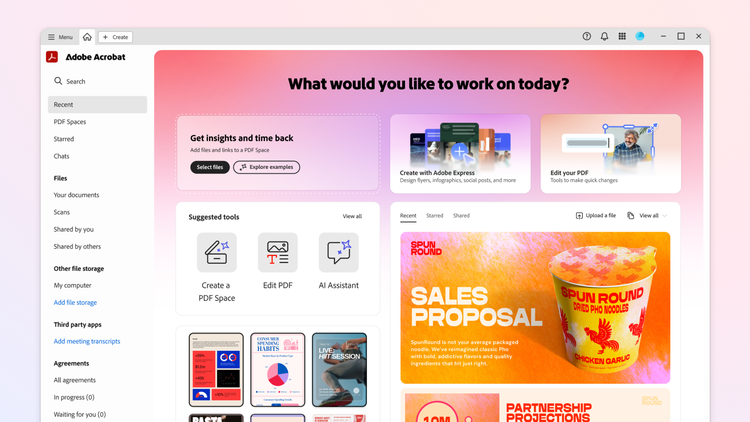
- Graphic designers in Illustrator can automate multi-step production jobs, from generating versioned files from spreadsheet data to running preflight checks before output.
- Print designers in InDesign can apply brand updates across layouts, including copy, styling and print-readiness checks.
- Creative teams in Frame.io can organize assets, surface feedback across revisions and generate B-roll without leaving the project workspace.
No matter the application, the goal is to reduce production complexity so you can focus on the work that requires your craft, taste, judgment and direction.
Creating space for craft
The best creative work has never been defined by how fast you can organize files, prepare exports or manage production workflows.
It's defined by your ideas, craft, taste and ability: the creative decisions only you can make, that connect with your audience and make your work distinctly you, the instinct that tells you found the perfect shade of a color to match the mood, the tweak that makes the latest cut land perfectly in your timeline — the detail no one asked for, but everyone notices in the end.
Our goal is to give you more room for exactly that. When the repetitive work moves into the background, you get the time and space to sit longer with an idea, push a concept further, tell fuller stories and bring your creative vision to life in a way that makes the work unmistakably yours.
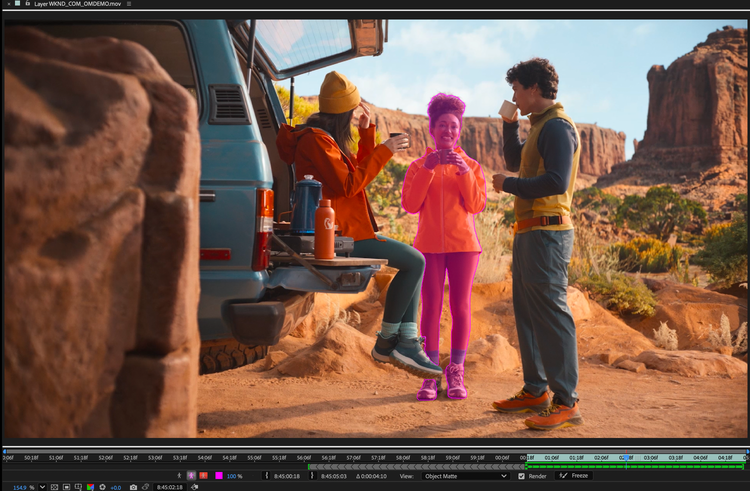
AI Assistant is available today in public beta across Premiere, Photoshop, Illustrator, Frame.io and InDesign. AI Assistant is available in private beta in After Effects.