Millions of people use Slack every day to collaborate, share ideas and keep work moving. Chances are much of the context behind your next deliverable already lives there: your project brief is in a Canvas, you share feedback in your conversations, or that reference file your teammate shared last week is still there, too. With Adobe for Slack, you can draw on that context to create high-quality images, videos, documents and more, all inside Slack.
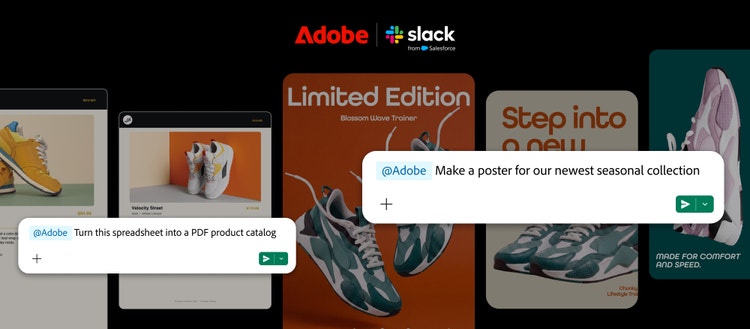
Today, we’re introducing Adobe for Slack, available now for Slack Business+ and Enterprise+ teams. It brings more than 70 pro-grade tools from Adobe’s creative and productivity suites, including Firefly, Adobe Express, Photoshop, Premiere, Acrobat, InDesign, Illustrator, Stock, Lightroom and more, into Slack. Install the Adobe app, describe the outcome you want in your own words to Slackbot, Slack's built-in personal AI teammate, and Slackbot will call on the right Adobe tools to help bring your idea to life. You can also ask Slackbot to pull in relevant context from your conversations, files, channels and Canvases, so the Adobe app can draw on it as you create and refine your work.
Your new creative and document workflows, right inside Slack
Whether you’re a marketer building campaign assets, a social media strategist refining creative for different channels, or a digital worker turning data and information into customer-ready documents, Adobe for Slack gives you new ways to create, collaborate and keep your work moving, right where the conversations shaping it are happening:
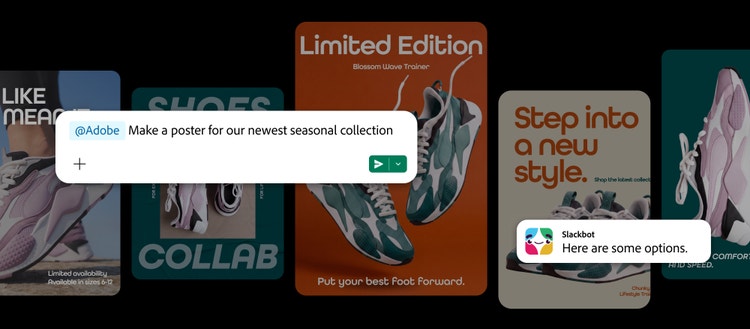
- Create high-quality designs from templates: Browse thousands of design templates, choose the right one for your project, customize the copy and colors, then animate it for social media or turn it into a print-ready PDF.
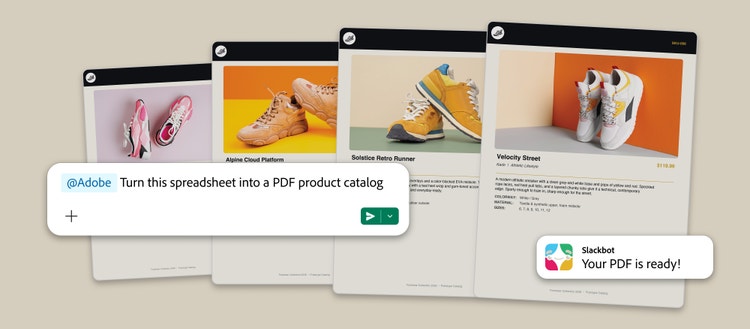
- Turn data into shareable content: Bring in a spreadsheet and call on the Adobe app to transform the information into a PDF or visual you can share with your team or client.
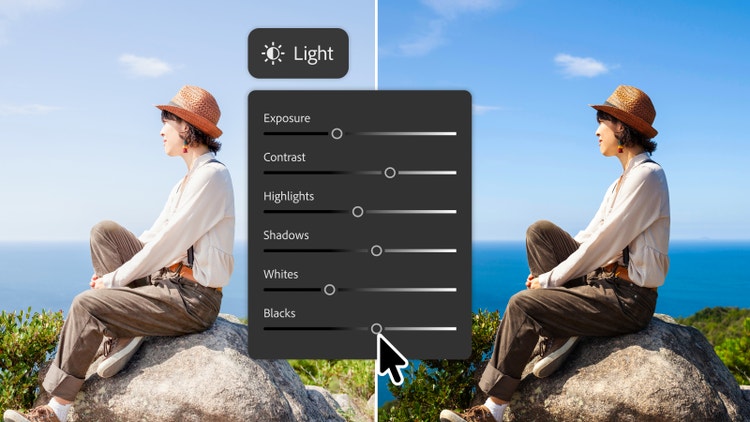
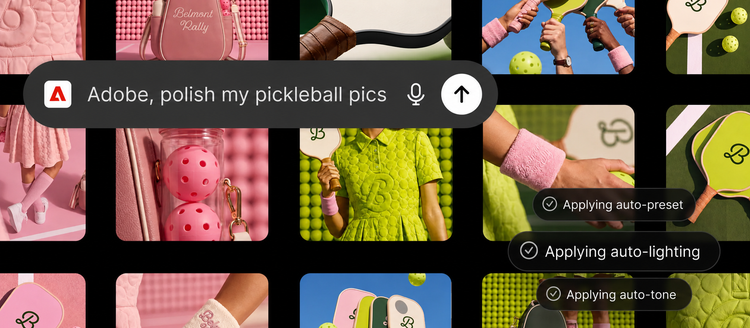
- Edit and refine images in bulk: Quickly refine sets of images like team headshots, event photos or product imagery. Remove backgrounds and distractions, adjust lighting and tone, crop and resize images, and more — all from Slack.
Keep the creative process moving through conversation. Ask Slackbot, powered by Adobe’s pro-grade tools, to refine your work, make another edit or create a variation, then share it into a team channel so others can review it, build on it and shape what happens next. The Adobe app brings creation closer to the conversations shaping your work. And when you want greater creative control, pixel-level precision, or more ways to work with and get insights from your documents, you can continue in Adobe’s flagship apps like Adobe Express, Photoshop, Premiere, Acrobat and Firefly — giving you even more ways to create and get work done as your work evolves.
Adobe for Slack is part of our ongoing effort to bring Adobe’s pro-grade creativity and productivity tools into the AI chatbot platforms people use every day to learn, solve problems and get work done, including ChatGPT, Claude, and Copilot, with Gemini coming soon.
Get started with Adobe for Slack
- Open a direct message with Slackbot, select the Apps button, and choose Manage Apps.
- Select the + icon next to Adobe, then either continue as a guest or sign in with your Adobe account when prompted.
- Once connected, start a conversation with Slackbot and call on Adobe to create, edit or transform what you need.
You can start using the Adobe app without an Adobe account. Sign in or create a free Adobe account to unlock additional tools and skills, generative AI capabilities, access to your Creative Cloud files, and continuity across sessions.
Bring Adobe into your Slack conversations today
Adobe for Slack is available globally starting today to Slack Business+ and Enterprise+ customers across desktop, web and mobile.