At Adobe, we build pro-grade tools people trust to create their best work and be more productive. Increasingly, that work is starting inside AI chatbot platforms, where people brainstorm ideas, solve problems and get things done. We want Adobe to be there too, making it easy for you to call on our tools to create high-quality content and take your work further, right from the conversation.
We’ve already brought Adobe to ChatGPT, Claude, Slack and Copilot, and today we’re extending that work in two exciting ways. First, we’re bringing Adobe to Gemini. Second, we’re introducing Acrobat tools to our Adobe for Claude plugin for the first time, bringing our creative and productivity tools together, while also adding interactive editing capabilities that give you hands-on control to edit PDFs and customize Adobe Express designs right inside Claude.
Introducing Adobe in Gemini
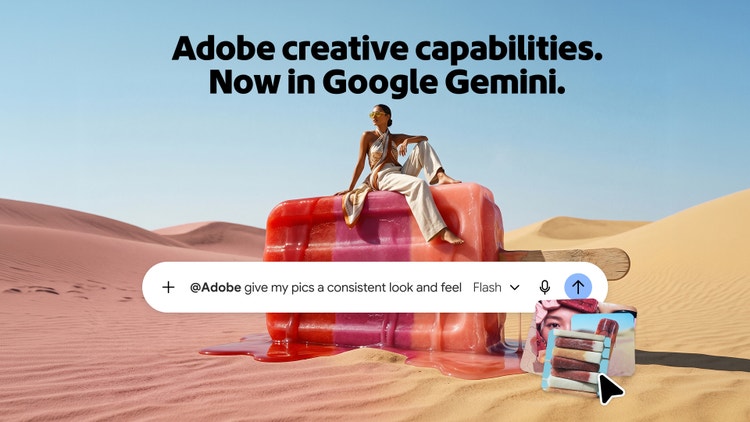
Google Gemini has quickly become one of the world’s most widely used AI assistant platforms, helping more than one billion people each month find answers, explore ideas and tackle everyday tasks. With the new Adobe in Gemini, you can call on pro-grade tools from Photoshop, Lightroom, Express and Firefly to enhance photos, create marketing assets and customize designs, all through a conversation with Gemini. Describe the outcome you want, and Adobe orchestrates the right tools and steps to get you there.
Here are a few ways you can use Adobe in Gemini:
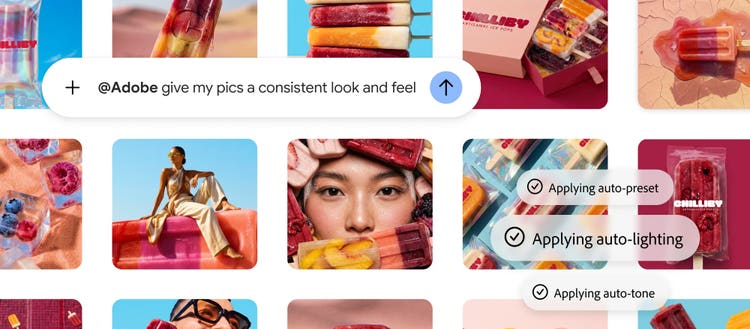
- Create consistent, polished product photos: Upload your product photos and describe the look you’re after. Adobe can help optimize lighting and color, crop images consistently and prepare a polished collection that’s ready for your storefront, website or marketing materials.
- Turn one design into content for your social channels: Ask Adobe to create social-ready versions while preserving your branding and messaging, making it easier to adapt and publish content wherever your audience spends time.
- Customize professionally designed templates for your marketing needs: Describe your campaign, target audience and the style you’re looking for, and Adobe will surface Express designs that best match your needs. From there, you can ask Adobe to personalize the text, imagery and colors to quickly create polished marketing materials.
Today’s launch is the first step in our journey with Google to make our tools available in Gemini. As we’ve done across other AI platforms, we’ll continue to enhance the experience with more tools for creativity and productivity.
More ways to create, edit and refine your work in Claude
Earlier this year, we brought our pro-grade creative tools into Claude. Since launch, we’ve been delighted by feedback from creators about how the experience keeps their work moving — from a photographer refining light, color and consistency across an entire photo series to a creative director who significantly cut the time required to develop an eco-fashion campaign.
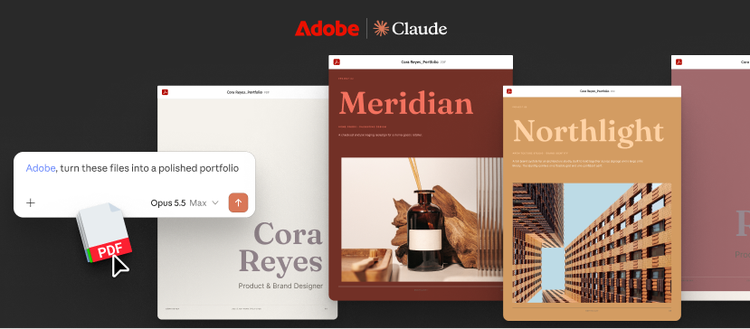
Now, the Adobe for Claude plugin is becoming a lot more powerful. We’re adding Acrobat tools to our plugin for the first time, bringing them together with our existing creative tools in one unified Adobe plugin. You can now call on more than 80 pro-grade tools across Acrobat, Express, Photoshop, Illustrator, Premiere, Lightroom, InDesign, Adobe Stock and more — all from the same Claude conversation. We’re also introducing new interactive editing capabilities that greatly expand how you can work with our tools in Claude. You can still describe the outcome you want and let the Adobe plugin orchestrate the work, but now you can also step directly into your content to edit PDFs and customize Express designs yourself.
Here are some of the new ways you can work with Adobe in Claude:
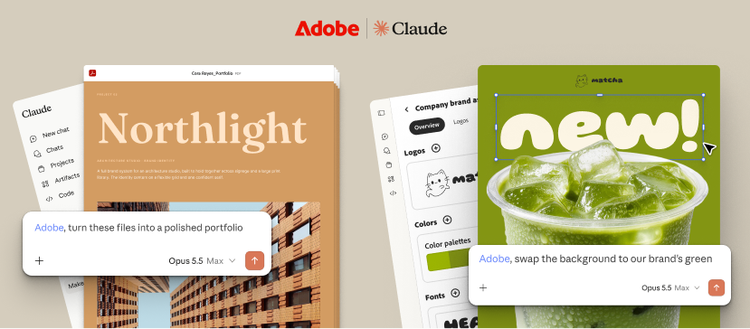
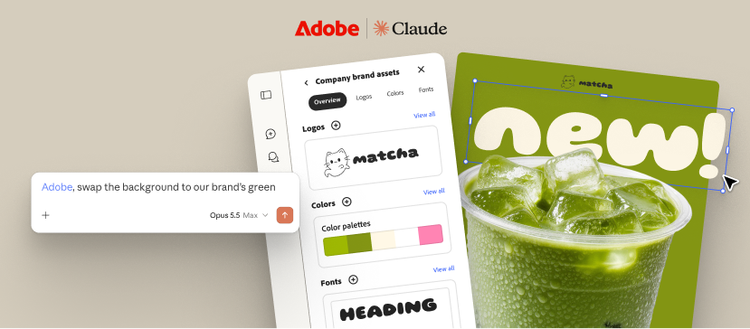
- Refine designs with Express: Building on the conversational editing already available in Claude, you can now go further with a layer-based interactive editor for Express designs, giving you hands-on control over individual elements of the design. Select and customize images, copy, colors and fonts independently, so you can refine exactly what you want without needing to regenerate the entire design — all within your Claude workflow.
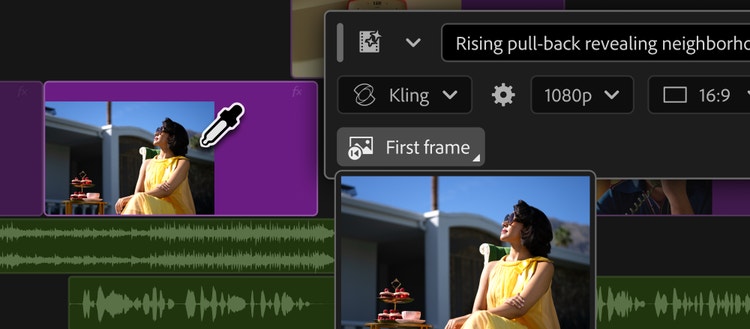
These additions build on Adobe’s expansive set of creative tools already available in Claude for refining images individually or in batches, creating vectors and layouts, editing and assembling videos, and adapting content for different channels. Now, those tools can work alongside Acrobat tools to carry your project all the way through in Claude.
Go from an idea to the outcome you want with Adobe
AI chatbot platforms are making it easier than ever to turn an idea into something tangible. But getting to the result you want often takes more. Images need refinement. Designs need customization. Content needs to be adapted for different channels. Documents need to be reviewed, edited and shared.
That’s where the depth of our tools matters. For decades, we’ve built technologies to help you create your best work and be more productive. Now, we’re making that expertise easier to access across AI platforms. Whether you’re new to Adobe or an avid user of our apps, you can describe the outcome you want and call on our tools to help get you there. Call on Adobe to handle more of the workflow directly in the AI chatbot platforms you use or continue in our flagship apps when your work calls for even greater depth and precision. Wherever your conversation starts, Adobe can help you turn what you imagine into something you can use, build on and share.
Get started with Adobe today in Gemini and Claude
Adobe in Gemini is rolling out globally beginning today and is available across all Gemini plans. To get started, navigate to Personal Intelligence, select Adobe under connected apps, and sign in with your Adobe account or create one for free if you don’t already have one.
Adobe for Claude is also rolling out globally starting today across Claude and Claude Code on desktop, mobile and web. You can get started as a guest or sign in with your Adobe account to unlock the full plugin experience, including higher usage limits, additional tools and continuity across sessions. If you already have the previous Adobe connector installed, it will automatically update to the new Adobe plugin.
*Google and Gemini are trademarks of Google LLC. Check responses. Setup required. Compatibility and availability varies.