At Adobe MAX, we shared how conversational AI is becoming a seamless part of Adobe’s creative tools, helping creators work more intuitively and with less friction. Today, we’re expanding the power of conversational AI with new capabilities to edit your photos just by describing what you want with Photoshop’s new AI Assistant. And we’re adding powerful new AI tools in Firefly Image Editor.
Today’s innovations build on our broader vision for bringing conversational AI to people everywhere you work and create — in our apps, including AI Assistants in Acrobat, Adobe Express and now Adobe Photoshop, along with third-party chat platforms like OpenAI’s ChatGPT and Microsoft 365 Copilot.
AI Assistant in Photoshop is now available in public beta
The public beta of AI Assistant in Photoshop in web and mobile is now available, empowering creators at every level — from students to illustrators, marketers and beyond — to create with confidence, clarity, and speed.
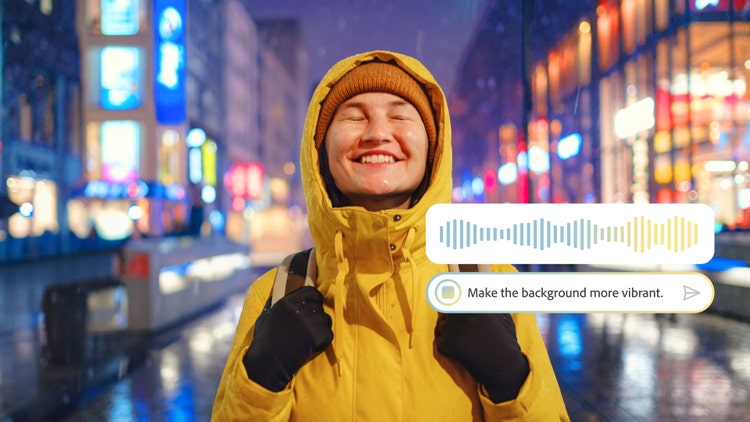
Using AI Assistant in Photoshop is as simple as describing the edits you want — like removing distractions, changing backgrounds, refining lighting, or adjusting color. You can choose to have AI Assistant apply edits automatically or guide you step-by-step so you can learn along the way. In the Photoshop app, you can use your voice to request edits you want to see, making editing on the go simple.
In Photoshop web, you’ll also find a new feature called AI Markup (public beta), powered by AI Assistant, which is available within the contextual task bar. With AI Markup, you can draw directly on your image and add prompts to control exactly where changes happen. For example, you can mark up an area of an image, then type in a prompt to add flowers or mountains. Within seconds Photoshop will generate amazing results.
Start exploring AI Assistant in Photoshop today:
Turn a vacation photo into an epic memory: Remove unwanted people or objects, change colors and alter the lighting just by describing what you want
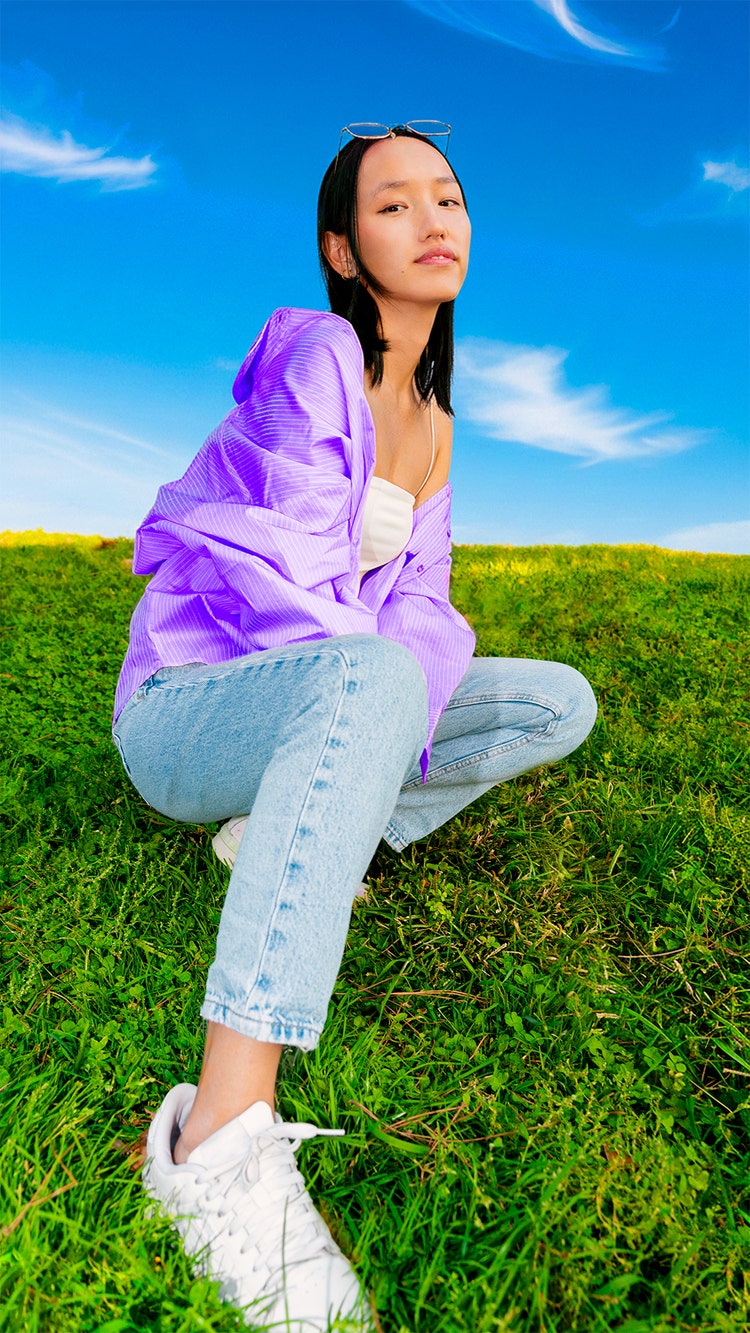
Make your portrait pop: Get step-by-step instructions on how to add a soft glow, boost colors, refine lighting or transform the background with simple prompts
Turn your image into the ultimate road trip playlist cover: Brighten colors, enhance visuals and crop your photo like album art, simply by describing the vibe you want.
Create with greater precision and control in the Firefly Image Editor
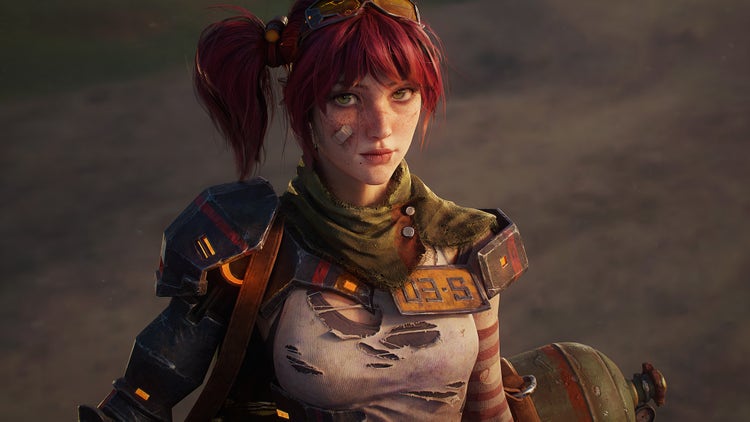
Adobe Firefly, the all-in-one creative AI studio, makes it fast and easy to edit images with just a prompt. With its latest updates, the Firefly Image Editor brings powerful tools into one streamlined workspace, so you can quickly shape composition, style and detail across AI-generated or uploaded images.
Starting today, the Firefly Image Editor includes:
Generative Fill: Add, replace, or refine elements with context-aware results.
Generative Expand: Seamlessly adapt images to new sizes and aspect ratios.
Generative Upscale: Increase resolution and sharpen details.
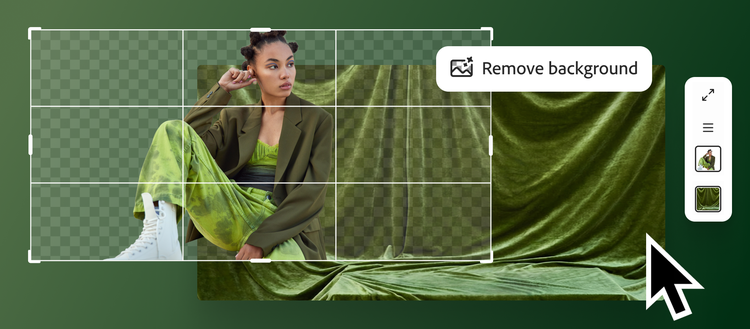
Remove Background: Isolate subjects with a click.
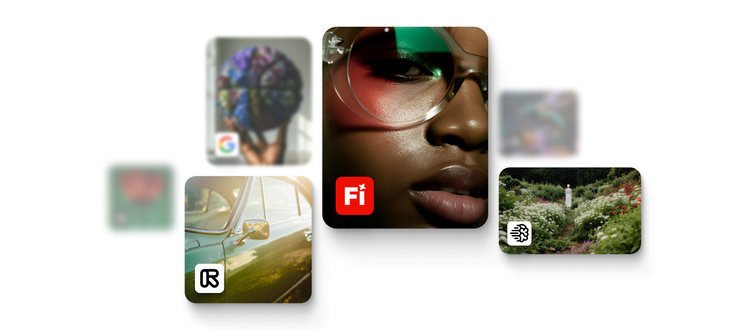
With Firefly, you can create with your choice of more than 25 top AI models — including Adobe’s commercially safe models, Google’s Nano Banana 2, OpenAI’s Image Generation, Runway’s Gen-4.5 and Black Forest Labs’ Flux.2 [pro] — then seamlessly move into editing without breaking your creative flow.
Experiment endlessly with unlimited generations
You can now go deeper in your creative exploration with unlimited generations in Adobe Firefly and when using AI Assistant in Adobe Photoshop web and mobile.
Through April 9, paid subscribers to Photoshop on web and mobile enjoy unlimited generations when using AI Assistant. When you’re using the free version of Photoshop on web and mobile, you can get started with 20 free generations.
Adobe Firefly’s new image editing capabilities are available globally today in the Firefly Image Editor and Firefly customers can currently access unlimited generations.
Start exploring AI Assistant in Photoshop web and mobile (iOS, Android) and Adobe Firefly today and see how intuitive and fun it is to bring your ideas to life faster, with more control and creative confidence.
Recommended for you
More control, less friction in texturing workflows: The latest Substance 3D innovations
At GDC 2026, Adobe Substance 3D introduces Substance 3D Painter 12 alongside updates across the Substance 3D product lineup. Focused on bringing more power and efficiency to games workflows, the latest releases include new creative tools, new ribbon content, and significant refinements throughout the entire Substance 3D collection of tools.
03-09-2026
Putting ideas in motion: redefining AI video with Adobe Firefly
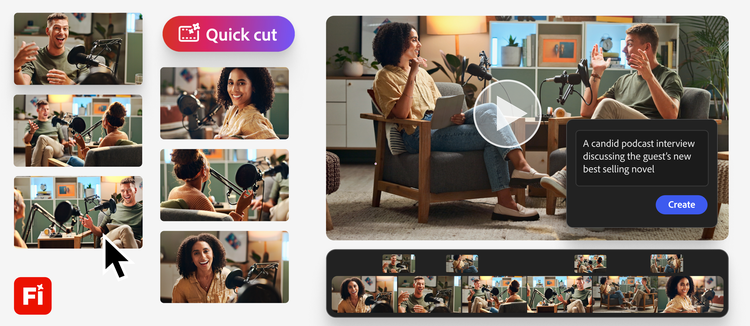
Adobe Firefly introduces Quick Cut, an AI-powered video editing feature that turns raw clips into a structured first cut—helping creators move from blank timeline to edit in minutes.
02-25-2026
Create with unlimited generations in Adobe Firefly, the all-in-one creative AI studio
Adobe Firefly subscribers can now create unlimited generations with industry-leading image models, including Google Nano Banana Pro, GPT Image Generation, Runway Gen-4 Image, as well as Adobe's commercially safe Firefly image and video models -- sign up before March 16.
02-02-2026
Title
Image editing just got smarter with AI in Photoshop and Firefly
Description
Adobe expands the power of conversational AI with new capabilities to edit your photos just by describing what you want with Photoshop’s new AI Assistant and powerful new AI tools in Firefly Image Editor.
Details
Photoshop
CardDate
2026-03-10
CardImage
CardImageAltText
Image of person in yellow rainjacket created using Photoshop's new AI Assistant.