We get it. Life is busy. Between classes, assignments, group projects and prepping for exams, it can feel like you’re juggling a million things at once. Add internships and career planning and it’s no wonder you might feel overwhelmed. That’s why we created Student Spaces in Acrobat, a free tool, now available in beta, designed specifically for students like you, to help make studying faster, easier and way more effective.
Study faster and smarter with student spaces
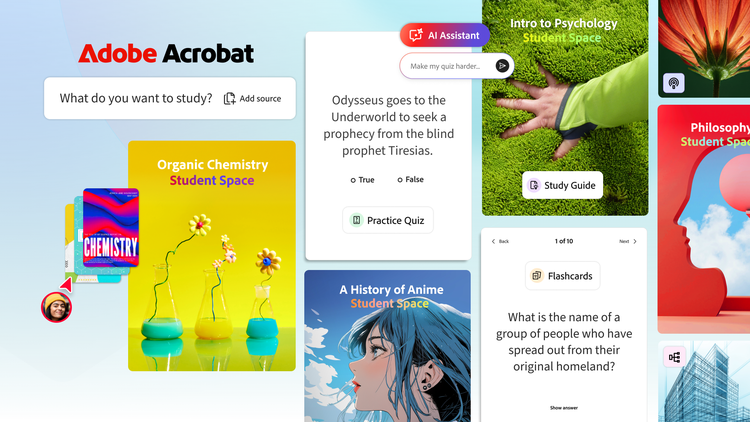
Whether you’re tackling tough class material, prepping for a test (like upcoming finals!) or working on a group project, Student Spaces has your back. Student Spaces provides a dedicated place, designed especially for students, to help you study and learn faster and more effectively. Here’s how:
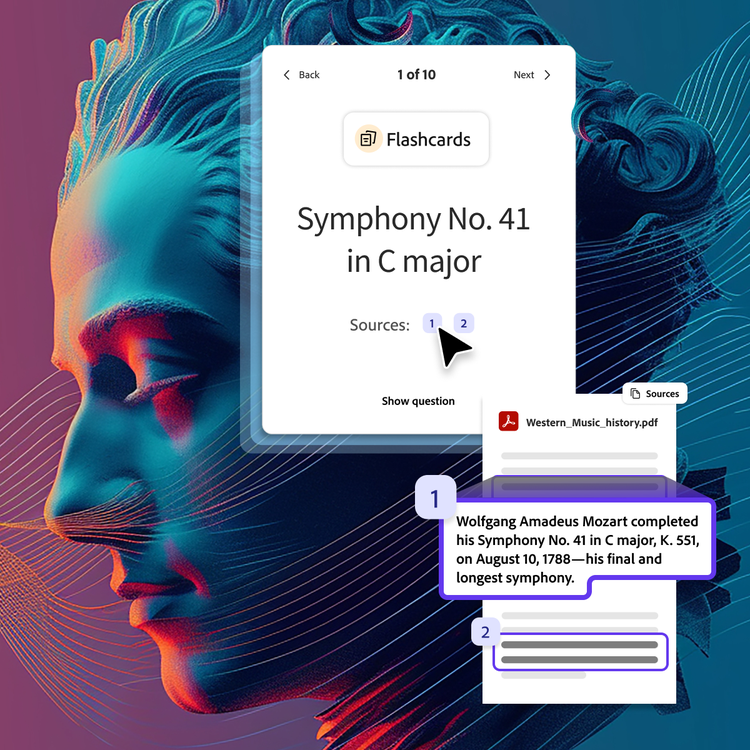
- Learning that sticks: Add class notes, docs and links to quickly generate study guides and mind maps that make studying easier. Test your knowledge with interactive flashcards and quizzes.
- An AI tutor you can trust: Struggling with a tough concept? Acrobat's AI Assistant is like having a tutor available 24/7 that breaks down complex topics. AI Assistant provides clear explanations with interactive citations linked directly within your documents so you can verify and trust every answer.
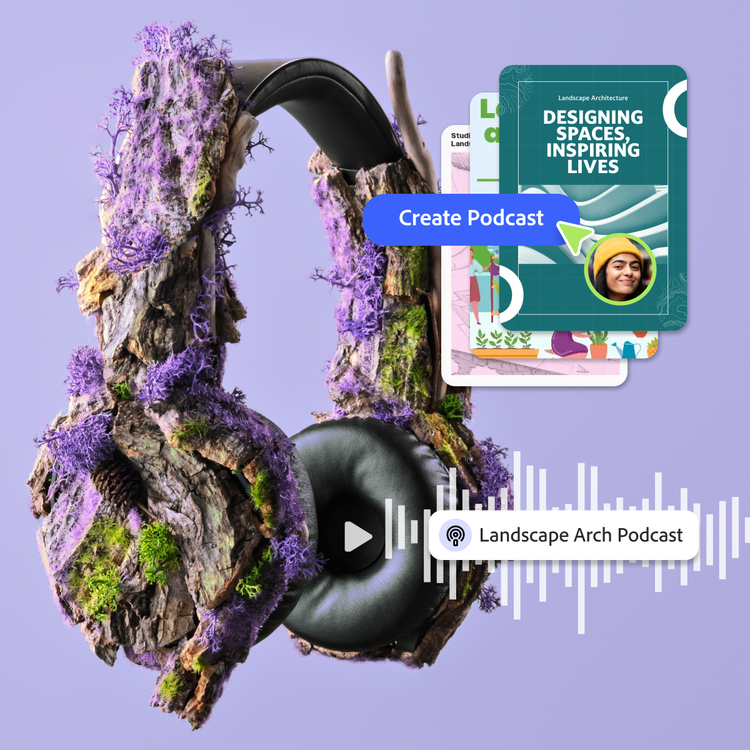
- Listen and learn: Convert your notes into short audio summaries or deep-dive podcasts so you can study while walking to class or working out.
- Study better together: Invite your study groups and classmates to collaborate on group projects, share notes, ask questions and quickly create impressive presentations, all in one space.
Choose how you learn
No matter which way you learn best, Student Spaces offers options to help make learning fun and effective:
- Visual: Create mind maps, presentations and videos to visualize complicated information and make slides with images from your notes.
- Auditory: Generate podcasts or audio summaries based on class materials for an engaging experience you can listen to anywhere.
- Collaborative: Work on group projects in real-time, sharing notes and ideas, and creating together – effortlessly.
- Solo: Get 1:1 help 24/7 from an AI tutor or switch into focus mode to remove distractions and stay on point.
Expertise you can trust
From Acrobat to Photoshop, our creativity and productivity apps are already trusted by millions of students around the world. Student Spaces combines that expertise with responsible AI, helping you develop the skills you need to thrive in school and in your future career. Whether you’re crafting presentations, preparing for internships or starting your first big job, we’re here to help you stand out, not stress out.
Made with students, for students
We aren't guessing what you need; we collaborate with students to make sure what we’re building fits into your life. Every feature in Student Spaces in Acrobat is designed to help you learn faster, prepare better for your tests and succeed in life and work during and beyond school.
And this is just the first step. We’ll continue working with students to create a destination where you can learn, connect and create in your academic, personal and professional lives.
Ready to get started?
Don’t just study harder — study smarter! With Student Spaces in Acrobat, you’ll have everything you need to crush your classes and prep for your future, all in one spot. Get started for free. Just upload your docs, start studying and invite your study group!
Try it today!