You know the feeling: two quizzes the same day, a term paper staring you down, a group project you have to wrangle, and an internship opportunity application you’re trying to make really stand out. With only so many hours in the day, you need to focus your time on learning the material, not on busy work. That’s the problem Student Spaces in Acrobat set out to solve when we launched it in beta this spring.
Today, we're excited to announce that , our AI-powered study hub, is now available to students worldwide, for free. We’re building Student Spaces with students, bringing you more ways to study smarter, new tools to build trust into your work, and features that will support you from the classroom straight into your career.
Here's what's new in Student Spaces in Acrobat:
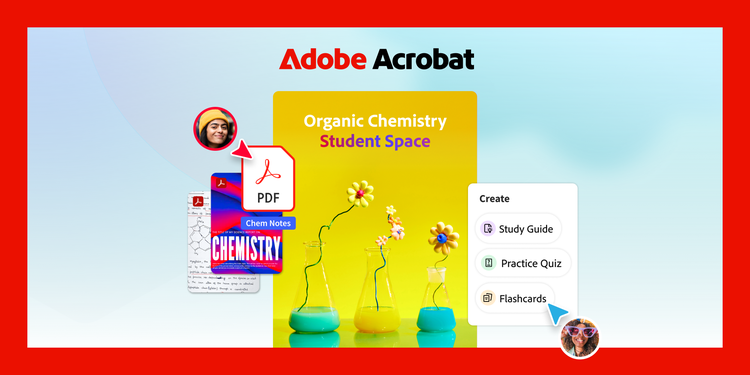
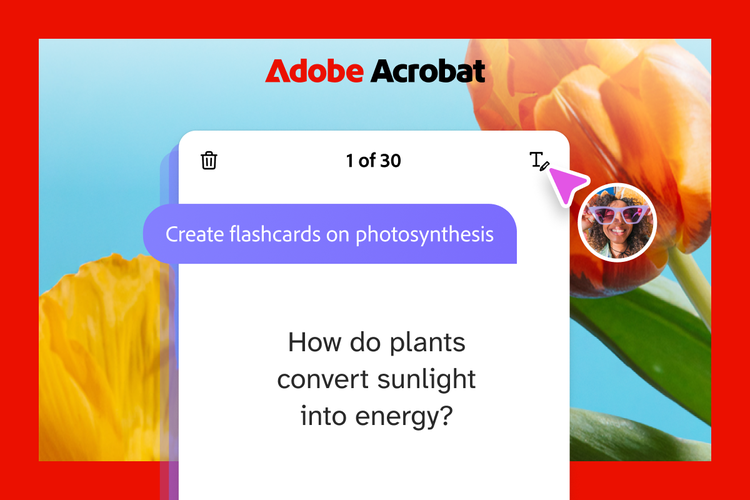
- Focus your study time: You can already generate flashcards, quizzes, mind maps, podcasts, video summaries and more directly from your course materials and notes, so you spend less time organizing and more time actually learning. Now, flashcards and quizzes track your answers and adapt to what you still need to practice. You can even edit to make them your own.
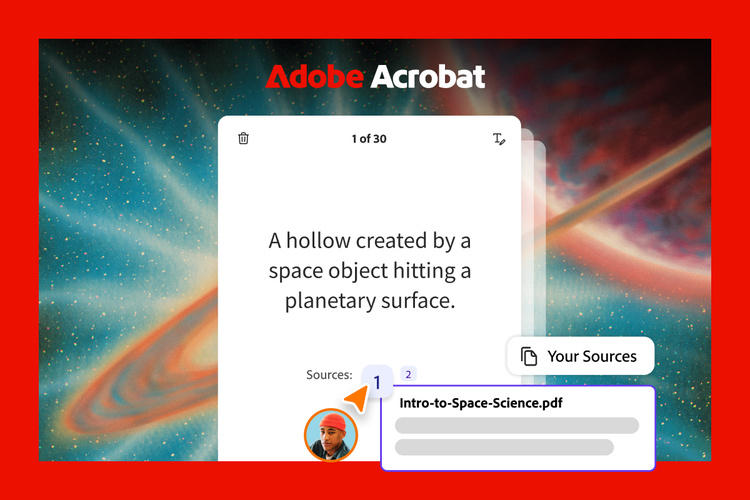
- Create properly formatted citations easily: Every answer already links back to your source material, so you always know where the information came from. Starting later this month, you can also generate properly formatted citations in APA, MLA, Chicago and more just by entering a title, URL, DOI or ISBN.
- Study smarter with summary sheets: Upload your documents to instantly generate a customizable, editable half-sheet, one-page or two-page overview of the must-know facts, perfect for prepping before an exam or for exam-prep notes sheet.
- Convert handwritten notes into text: You asked for it: now you can upload handwritten notes directly into Student Spaces, where they're converted into digital, searchable text.
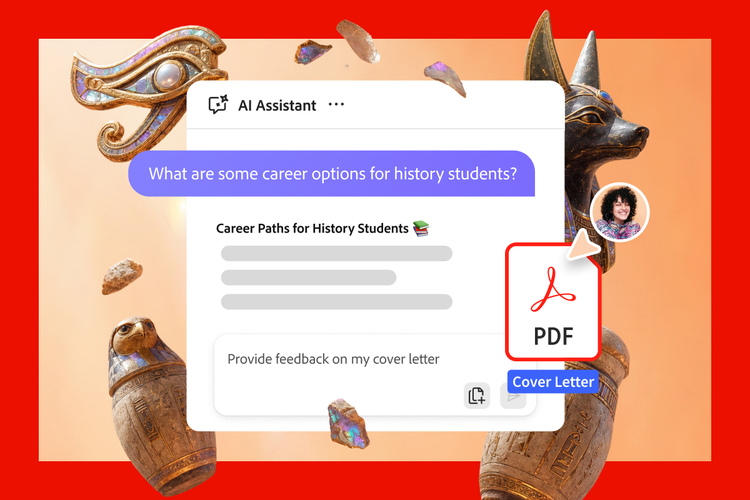
- Get resume feedback and interview help: The AI Assistant can help review and provide feedback on your resume, along with helping you to prep for interviews, so you're ready when internship and job opportunities come around.
- Study more flexibly: Video summaries are now editable too, so you can focus on the question or topic, theme and narration, so it’ truly customized to how you study. Plus, Student Spaces is now available directly in the Acrobat app on Android, so you can study wherever you are.
Built on a foundation you already know
Your school life runs on PDFs: syllabi, course readings, lecture slides, lab reports, and even the forms for your next internship. Student Spaces builds on Acrobat's decades of experience helping people work with PDFs. The AI isn't guessing at your material, it's reading the same documents you already rely on every day and grounding every answer in it.
That's the difference between an AI tool bolted onto your classwork and one built for it. Whether you're breaking down a dense reading, polishing a presentation or getting ready for an internship interview, Student Spaces is designed to help you stand out, not stress out.
Made with students, for students
We aren't guessing what you need; we're listening to your feedback and building Student Spaces with students, for students. The beta taught us a lot, and today's launch reflects what you told us mattered most: tools you can trust, study help that actually sticks, and a clear path from the classroom to your career.
Use Student Spaces today
Whatever's on your plate this semester, Student Spaces is built to make it a little easier. And best of all: it's free. Just upload your docs, generate your first study set, and invite your classmates in.
Get started today!