In today’s fast-paced world, keeping up can feel overwhelming, while being super-productive and standing out can seem impossible. Adobe Acrobat and Adobe Express are bringing together trusted productivity and creativity experiences — supercharged with AI — to help you get insights faster, create standout content and collaborate seamlessly.
Generate a presentation from your documents in minutes
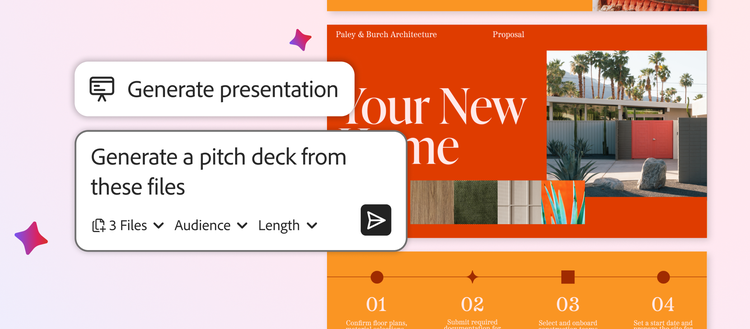
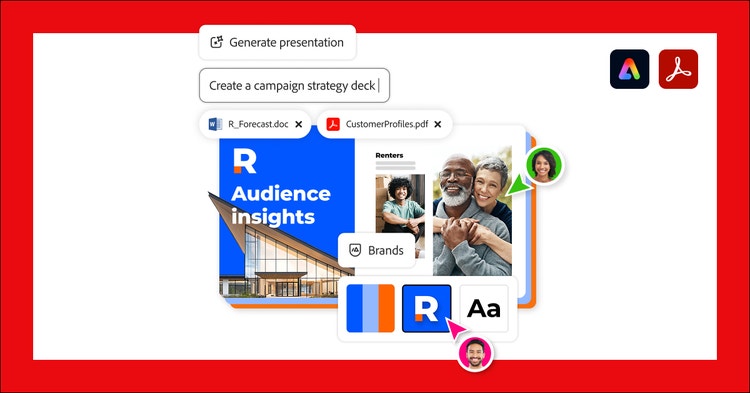
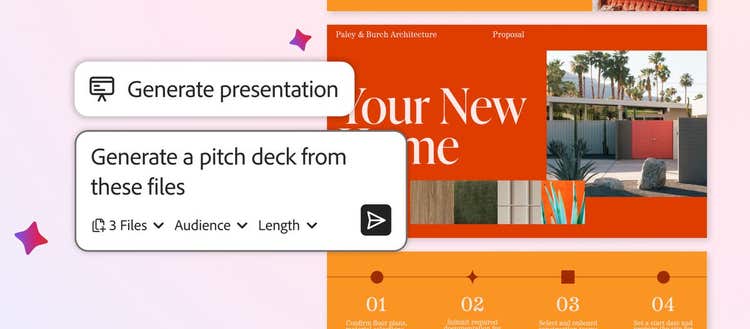
With the new Generate presentation feature in Acrobat, you can now ask AI to generate an outline from the information in your files, then create a polished presentation. The process is quick and you don’t have to be an expert in presentation design.
Let's say you’re a small business owner who needs to land a new client. Bring your information — financial reports, product sheets, competitive intel and web pages — into PDF Spaces, an AI-powered knowledge hub within Acrobat that allows you to uncover actionable insights from files and links and collaborate easily with others. Ask AI Assistant to analyze the information and make a pitch deck that includes the client’s top pain points and how your company can help.
AI Assistant quickly creates an outline and asks if you’d like to generate a presentation. You can choose the length of your presentation and the tone of voice. Behind the scenes, Acrobat taps into the quick and easy tools of Adobe Express and surfaces a library of professional presentation designs to choose from. Select the design you want, and presto — Adobe Express generates a draft. Without leaving Acrobat, you can use the intuitive tools and AI in Express to make any edits you’d like — without needing to generate new slides. Swap out an image or add a video by generating a new one or choosing one from Adobe Stock. Easily change fonts, rewrite copy and even animate your final slide to really make the ending pop. Then invite your team to make final edits, apply your brand kit for a consistent look and feel — and you’re ready to close the deal. You can also create a presentation directly in Express. Learn more about Generate presentation here.
Edit your PDFs with chat
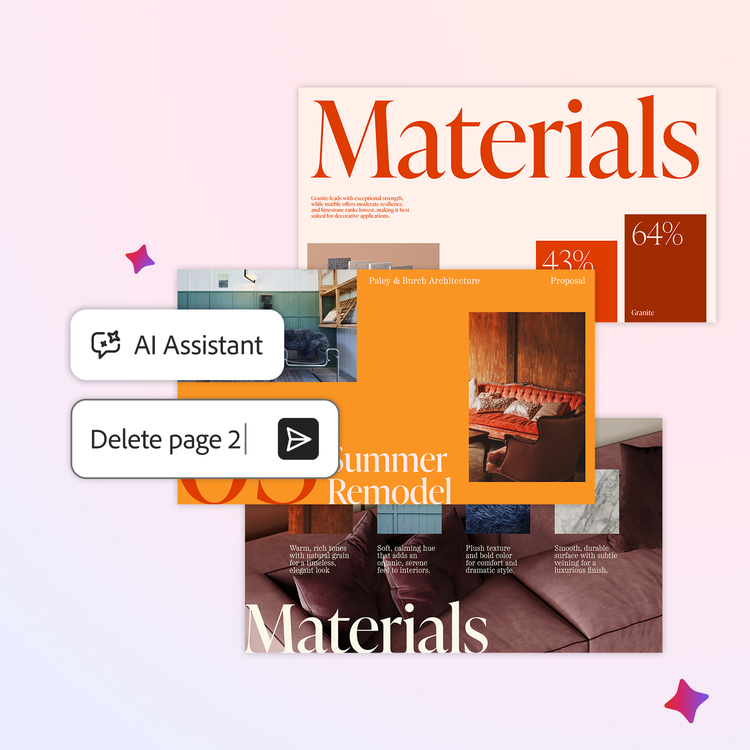
New, chat-based AI in Acrobat gives you a smarter, faster way to complete essential PDF tasks with simple, natural-language prompts. Using AI Assistant, you can remove pages, text, comments and images, add e-signatures and passwords and more. And the enhanced Help Panel offers clear, step-by-step instructions and troubleshooting support via chat.
Prep for meetings with personalized podcasts
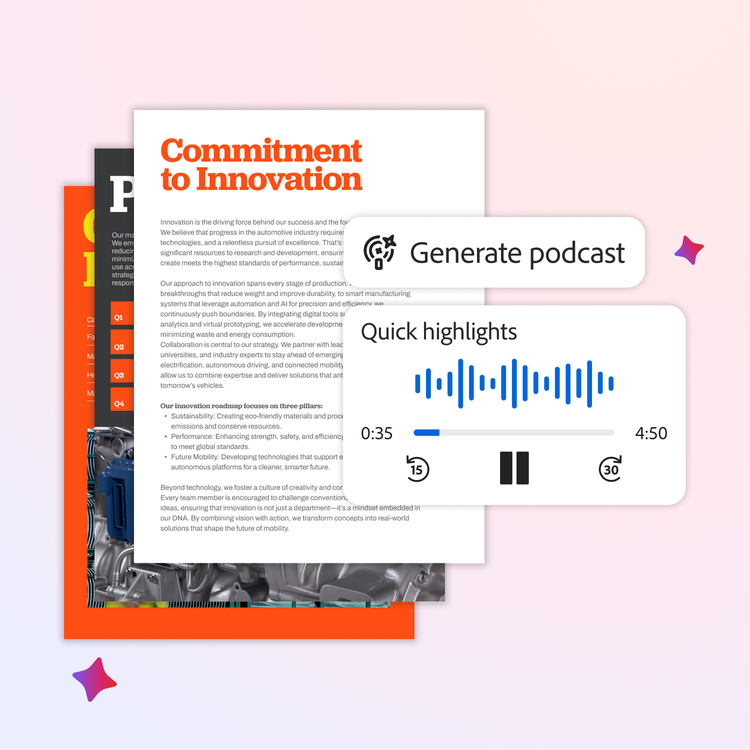
For anyone who struggles to digest the mountains of emails, attachments and links they receive, or to catch up on the meetings they've missed, the new Generate podcast feature in Acrobat is for you. Simply pull your notes, transcripts and that 500+-page report your boss sent over into a PDF Space and ask AI Assistant to summarize the information into an engaging podcast-style summary you can use to prep for your big meeting from your desk, in your car or walking your dog.
The Generate podcast feature in Acrobat can help you keep up and learn in your personal life, too. For example, turn educational guides into hands-free audio lessons about gardening. Keep up with local and world events with a daily news podcast designed just for you. Consolidate school newsletters, event calendars and permission slips into a quick weekly audio update that will help keep your family organized while you’re on the go.
Collaborate better in Acrobat
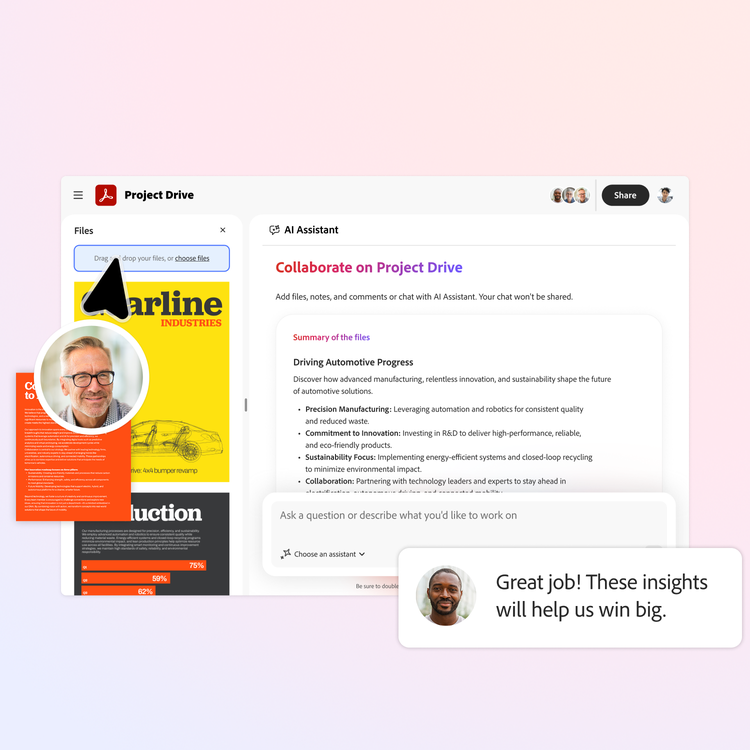
In addition to using PDF Spaces to organize materials and get insights for your own projects, you can also leverage PDF Spaces as a place to work smarter with your colleagues or clients. With new collaboration features in PDF Spaces, you can now invite others to add files, leave notes or gather comments, helping accelerate understanding and ensuring every project drives fast, clear decisions.
Elevate your productivity and creativity in Acrobat Studio
These new features are available in Acrobat Studio, which brings the best of Adobe’s PDF tools, smart workspaces, personalized AI Assistants and standout content creation into your professional, school and personal work. With Acrobat Studio:
- Sales professionals can collaborate with account teams in PDF Spaces, create high-impact pitch decks and use podcast-style audio overviews for hands-free prep.
- Marketing teams can organize market research data in PDF Spaces, transform insights into AI-powered presentations and create targeted marketing materials.
- Legal Advisors can streamline contract work, create polished legal documents and use personalized podcasts to quickly understand complex updates.
- Students can generate study guides, collaborate on group projects in PDF Spaces and create presentations for class assignments.
- Parents can manage school schedules, travel plans, and holiday logistics in PDF Spaces, and create audio updates for family organization
- And more...
That’s just a sample of how Adobe Acrobat can help you be more productive and creative. For more information about how to do your best work in Acrobat Studio, visit here.