Adobe Substance 3D unveils new innovations that deliver faster workflows, OpenPBR everywhere, and digital twins at scale

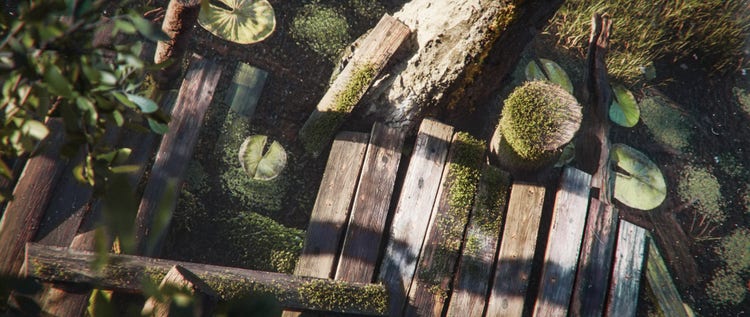
Part of the Shattered World Signature Collection for Adobe Substance 3D Assets
Part of the Shattered World Signature Collection for Adobe Substance 3D Assets, by Kai Mergener.

Working in 3D means navigating a lot of moving parts. Materials need to behave consistently across tools and renderers. Baking hard-surface assets demands precision and iteration. Building a digital twin that keeps pace with the product design process takes time. These are the questions the 3D community carries into SIGGRAPH 2026 this week — and the ones Adobe came to answer.

We're announcing a number of Substance 3D innovations, including a major release of Substance 3D Painter, expanded OpenPBR support across the entire ecosystem, thousands of additions to the Assets library, and new end-to-end digital twin workflows. Together, these upgrades mean fewer manual workarounds, more consistent results, and less time lost between idea and final output, making high-quality 3D creation more open, connected, and scalable.

Let’s explore each update.

OpenPBR: Consistent materials across every tool and renderer

A key challenge in 3D pipelines is ensuring that assets appear exactly as intended as they move from app to app. To solve this problem Adobe has been adopting the OpenPBR material standard across the Substance 3D ecosystem to ensure users can produce consistent, predictable results across tools and renderers, from look development through to final output

We’re excited to announce that OpenPBR is now supported in Substance 3D Painter 12.1 — having arrived earlier this year to Substance 3D Designer 16 and Substance 3D Sampler. The rollout extends to the Substance 3D Assets library too — all 14,000+ materials, decals, and atlases are being converted to OpenPBR. Adobe has also released a production-proven OpenPBR implementation as open source on GitHub, marking a foundational shift in how physically based materials are created, shared, and used across the 3D ecosystem.

Substance 3D Painter: Skew Map Painting, Auto Rebake, and more

Substance 3D Painter 12.1 is all about control and confidence at every stage of the texturing workflow. The update puts a particular focus on texture baking, making it faster to iterate, easier to correct and more accessible at every level, while also debuting a new UV unwrapping option for hard-surface work and initial OpenPBR support.

One of the most requested Painter features is finally here. Skew Map Painting gives artists direct control over skewing artifacts that can occur during baking, making it faster to achieve clean, accurate results with fewer manual fixes. Paint corrections with a brush for precise control, use Polygon Fill to update entire polygons at once, and rely on Edge Protection to keep results clean along mesh edges.

Auto Rebake will help you speed up iteration by automatically rebaking only the portions of a mesh affected by a change instead of the entire project. A refreshed baking workspace also makes commonly used tools easier to find, while a new Hard Surface Auto UV mode creates orthographically aligned UV layouts designed specifically for mechanical assets, reducing prep work before texturing.
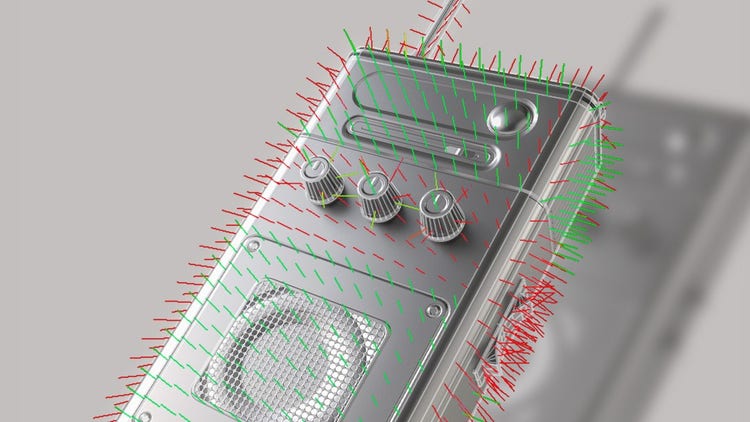
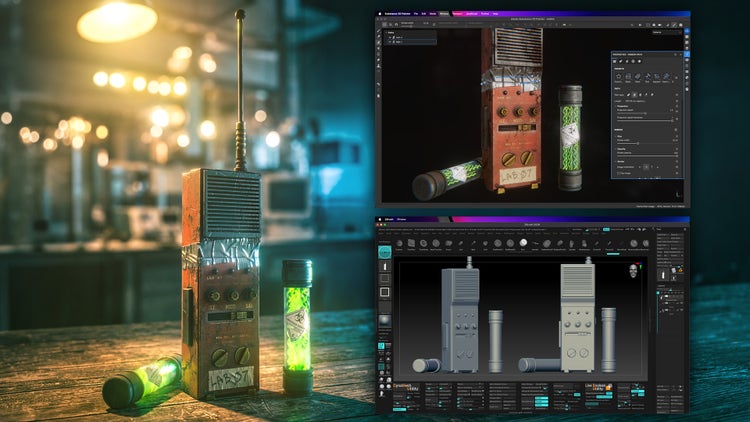
Skew Map Painting in Substance 3D Painter
Skew Map Painting in Substance 3D Painter.

Substance 3D Designer: expanding procedural control

Released earlier this year, Substance 3D Designer 16 expands the procedural toolset with new ways to build richer, more realistic materials while giving artists greater creative control.

The redesigned Shape Splatter v2 node lets artists build 3D forms procedurally in the node graph. Feed a shape into the node, and it generates multiple versions of this shape, each with a different rotation and set of properties. New Signed Distance Field (SDF) nodes let you build and manipulate complex 3D forms directly inside Designer's node graph, opening up new approaches to procedural modeling that previously would have required external tools or time-consuming workarounds. A new 3D Viewer node lets you see results in real time as you build, so iteration is faster and more intuitive — and new displacement controls bring key settings together in one place, making it quicker to fine-tune materials.

Substance 3D Assets: more assets, more possibilities

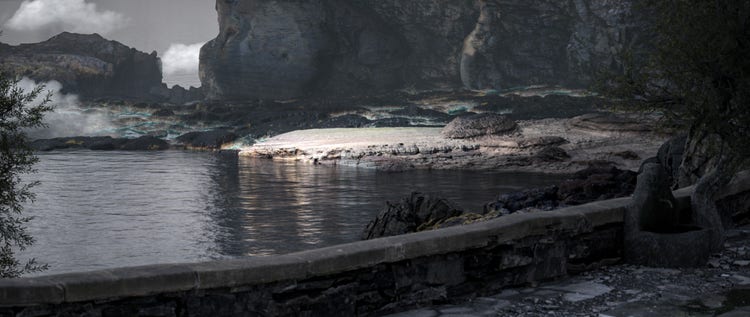
The Substance 3D Assets library continues to grow — over the past year, 848 new materials and 2,736 new models have been added, bringing the total to 23,516 assets. Each one is curated by the Substance 3D team for quality and adaptability across a wide range of project types, including the new “Shattered World Signature Collection” by Kai “Kizzle” Mergener — fifteen dark fantasy-themed materials that showcase the expressive range the library can reach.

Kai Mergener’s ‘Shattered World’ Signature Collection, for Substance 3D Assets
Kai Mergener’s ‘Shattered World’ Signature Collection, for Substance 3D Assets.

Substance 3D Sampler: streamlined material creation

Substance 3D Sampler now makes material creation faster with new Material Creation Templates that automatically configure the channels and settings needed for common material types, including OpenPBR materials. You can also save custom templates to maintain consistency across projects.

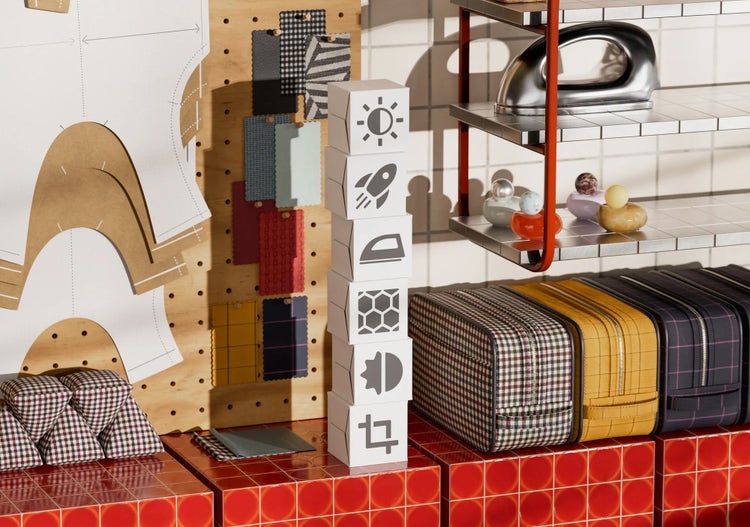
Materials created in Substance 3D Sampler
Materials created in Substance 3D Sampler.

Digital twins and the future of product visualization

Digital twins are transforming how brands design, visualize, and deliver products — enabling richer product visualization, more personalized customer experiences, and a more agile supply chain, all without waiting for a physical prototype to exist.

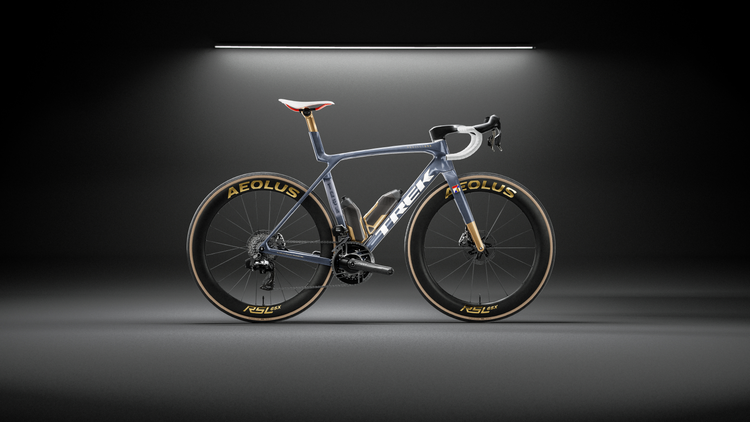
Adobe Substance 3D brings together these workflows through open standards like USD and OpenPBR. At SIGGRAPH, Adobe demonstrated an end-to-end workflow: from CAD to digital twin — showing how connected tools help teams move from product design to review faster while laying the foundation for AI-assisted workflows.

Digital twins created in an end-to-end 3D workflow.

What's next?

Every update announced this week shares a common goal: helping artists move from idea to final output faster. By combining smarter tools, open standards like OpenPBR, and connected workflows, Adobe Substance 3D is making it easier than ever to create, collaborate, and scale high-quality 3D content. We can't wait to see what you'll create next.

Learn more here.